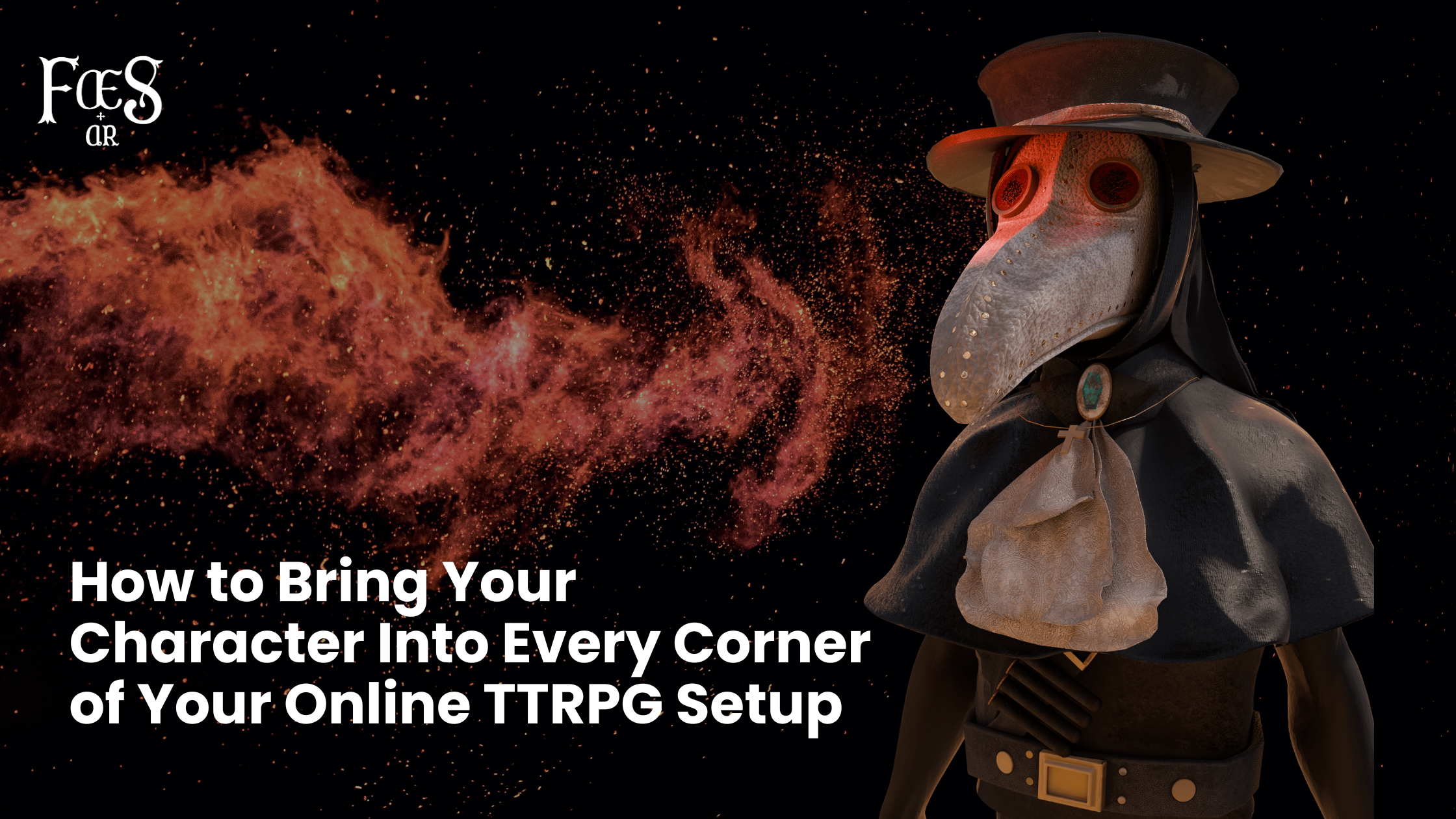
Online TTRPGs have come a long way. Discord handles your voice chat, OBS handles your stream, your VTT handles your maps and dice-but your face has always lagged behind. That’s the part that still feels like a work meeting, even when everything else feels like a fantasy epic.
Faes AR closes that gap.
This guide walks you through how Faes AR integrates with Discord, OBS, and your Virtual Tabletop of choice, and why adding AR embodiment turns a normal session into something far more immersive.
Let’s get into the practical magic.
Why Integrate Faes AR at All?
Because your character deserves better than a blank apartment wall and your tired Zoom face.
Each platform-Discord, OBS, and VTTs-serves a different purpose in your TTRPG ecosystem. Faes AR acts as the connective tissue, enhancing your presence across all of them with the same character gear, expressions, and energy.
The result is a unified role-playing identity everywhere you appear.
1. Integrating Faes AR with Discord
Discord is the beating heart of most online sessions. Voice chat, video, goofs, rules arguments… it all happens here. But Discord’s default camera feed? It’s brutally honest.
Setting Up Faes AR in Discord
Open Faes AR and select your character or NPC or create a new one. .
Choose your webcam or whatever you use for video so likely no change here. .
In Discord, go to User Settings - Voice & Video - Camera.
Select Faes AR Virtual Camera from the dropdown.
Your camera feed now shows your full AR-enhanced character instead of your real face.
Why It Matters
Discord’s video windows are small, but they’re constant.
Players keep an eye on each other's facial reactions more than they realize. When those reactions match the character-grimace, smirk, stare-it elevates the emotional bandwidth of play.
Suddenly, people don’t talk to you anymore. They talk to your cleric, or your vampire warlock, or your unhinged goblin inventor. The brain buys in.
2. Integrating Faes AR with OBS
OBS is the tool of choice for players, live-play shows, and anyone who wants pro-grade control over layout.
How to Connect Faes AR to OBS
Launch Faes AR.
Open OBS and add a Video Capture Device.
Select Faes AR Virtual Camera as the source.
Resize, crop, or layer effects as you like.
That’s it. Your character is now a composition element in your stream.
Why Players Love This
Because authenticity matters-and ironically, AR makes your roleplay more authentic.Viewers don’t have to imagine what your NPC looks like. They see it. They connect instantly.
OBS + Faes AR also lets you:
Switch characters on the fly for NPC-heavy sessions
Add thematic lighting, filters, overlays
Composite your character into custom backgrounds
It’s the difference between “actual play” and “actual show.”
3. Integrating Faes AR with Virtual Tabletops
VTTs have solved maps and mechanics. Faes AR solves presence.
Whether you use Roll20, Foundry, Fantasy Grounds, or Alchemy, the integration path is the same:
How to Use Faes AR Inside Any VTT
Open your VTT in your browser or app.
When it asks for a camera source, select Faes AR Virtual Camera.
Adjust sizing inside the VTT’s camera window if applicable.
That’s it-the “talking head” box is now in character.
Why VTT Integration Changes Play
VTTs are already immersive. Spell effects, dynamic lighting, monster tokens-it’s all dialed up. But the video feed has always broken the spell a little.
With Faes AR, when players gather around a virtual map and the NPC speaks, they see the NPC in that tiny window.It might seem small, but psychologically, it changes everything. Your video window becomes part of the storytelling canvas.
NPCs become visually distinct.Players become visually committed.And the session feels less like remote work and more like shared adventure.
4. Why Unified Integration Matters
Using Faes AR across Discord, OBS, and VTTs means you’re not switching identities or aesthetics between platforms.Your character stays consistent-same look, same energy, same emotional signals.
This unified presence:
Strengthens immersion
Improves group emotional sync
Helps players “drop in” to character faster
Makes NPC conversations clearer and more memorable
Reduces webcam self-consciousness
Turns video feeds into storytelling tools, not distractions
It recreates the feeling of showing up to the table in costume-but without the cost, heat, sewing needles, or storage space.
5. The Future of Connected Play
As online TTRPG sessions evolve, the next frontier isn’t bigger maps or louder sound effects-it’s presence.
Faes AR brings that to every platform you rely on, seamlessly.Discord becomes a tavern.OBS becomes a stage.Your VTT becomes a world.
And you?You finally get to look like the hero, villain, or chaos gremlin you were always meant to be.