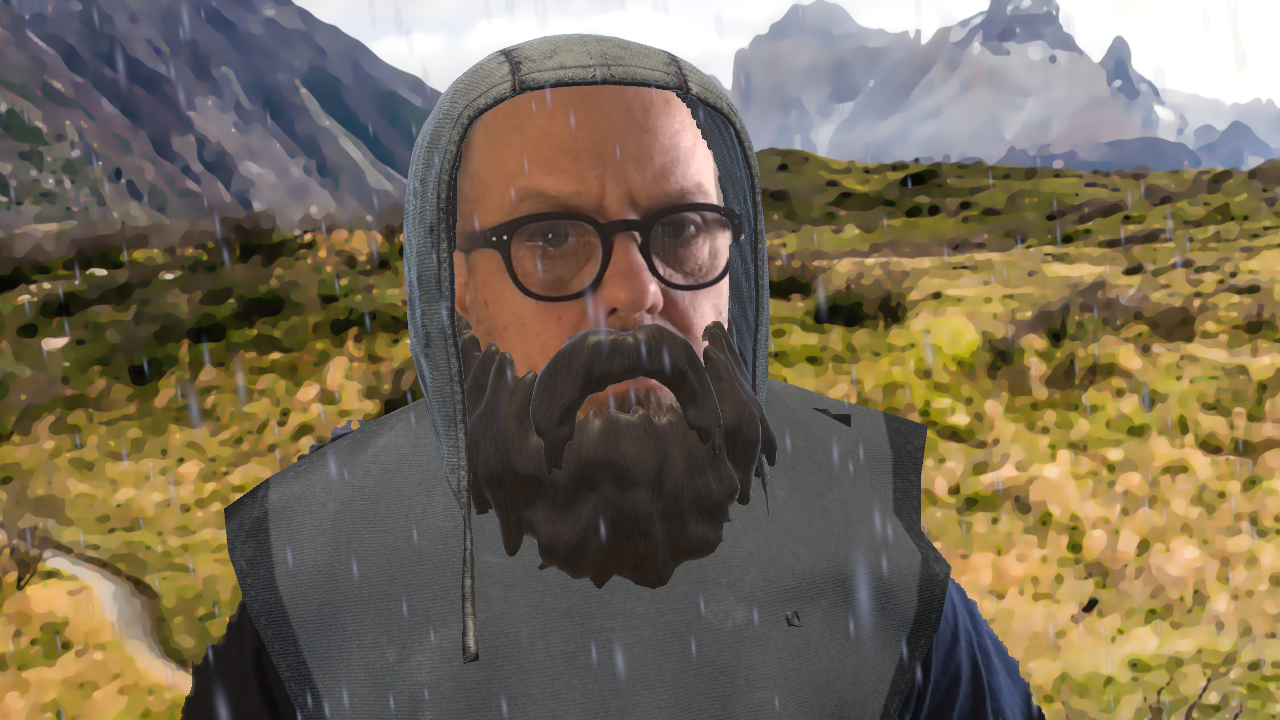
 Herdsman

Faes AR is a desktop AR app that lets Game Masters, players, and live performers bring their characters, NPCs, and the world around them onto their live webcam feed.
Shape who you are, what you wear, and where you are. Show your face or wear a mask; you stay present on camera either way. Save each character as a preset, switch mid-scene, and bring it back every session, in Discord, OBS, Zoom, or anything that takes a webcam.
Online TTRPG has come a long way. Maps render beautifully. Soundscapes play on cue. VTTs handle initiative, fog of war, and dice. The toolkit for running a session online is genuinely good now.
Turning cameras on adds what a voice channel can't: faces, reactions, and a clear sense of who's speaking. But very little has been built to use the webcam for more than a talking-head feed.
Faes AR fills that gap. It runs alongside your VTT, your maps, and your soundscapes, and turns the webcam into part of the scene.
Layer outfits, gear, and effects onto your live webcam feed to build your GM look. Save it as a preset, and it's ready at the start of every session.
Herdsman
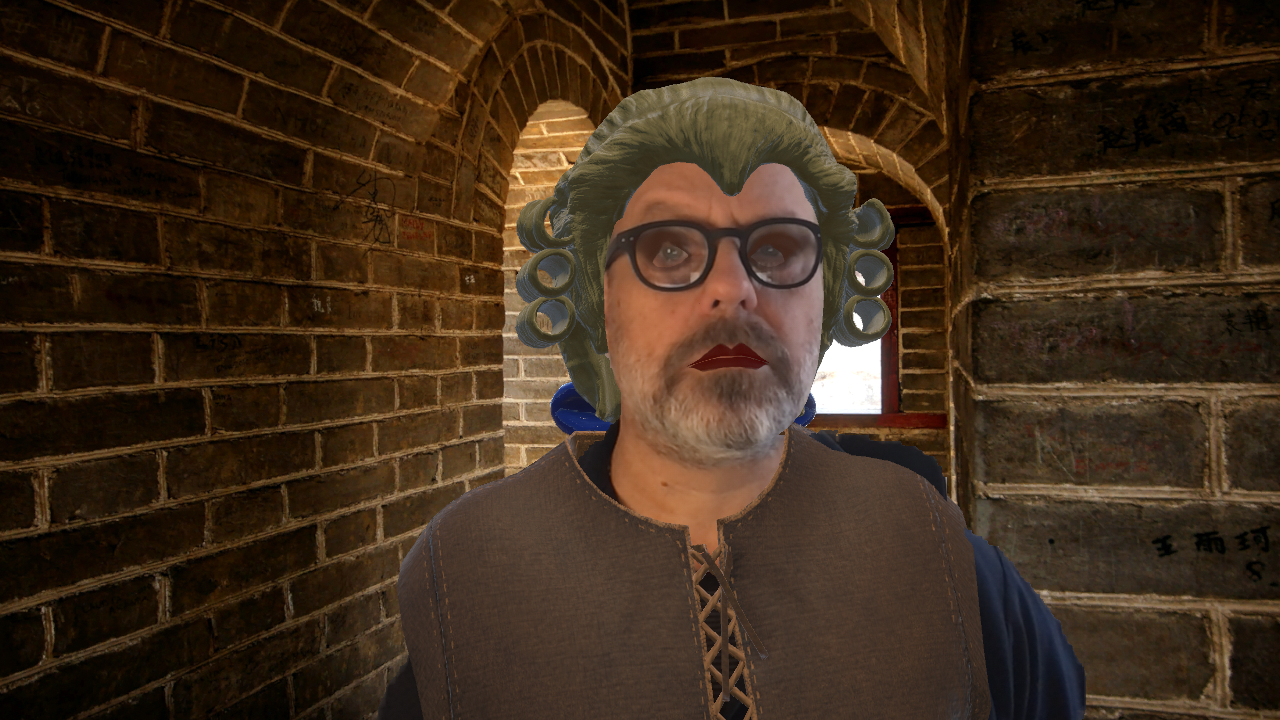 Official
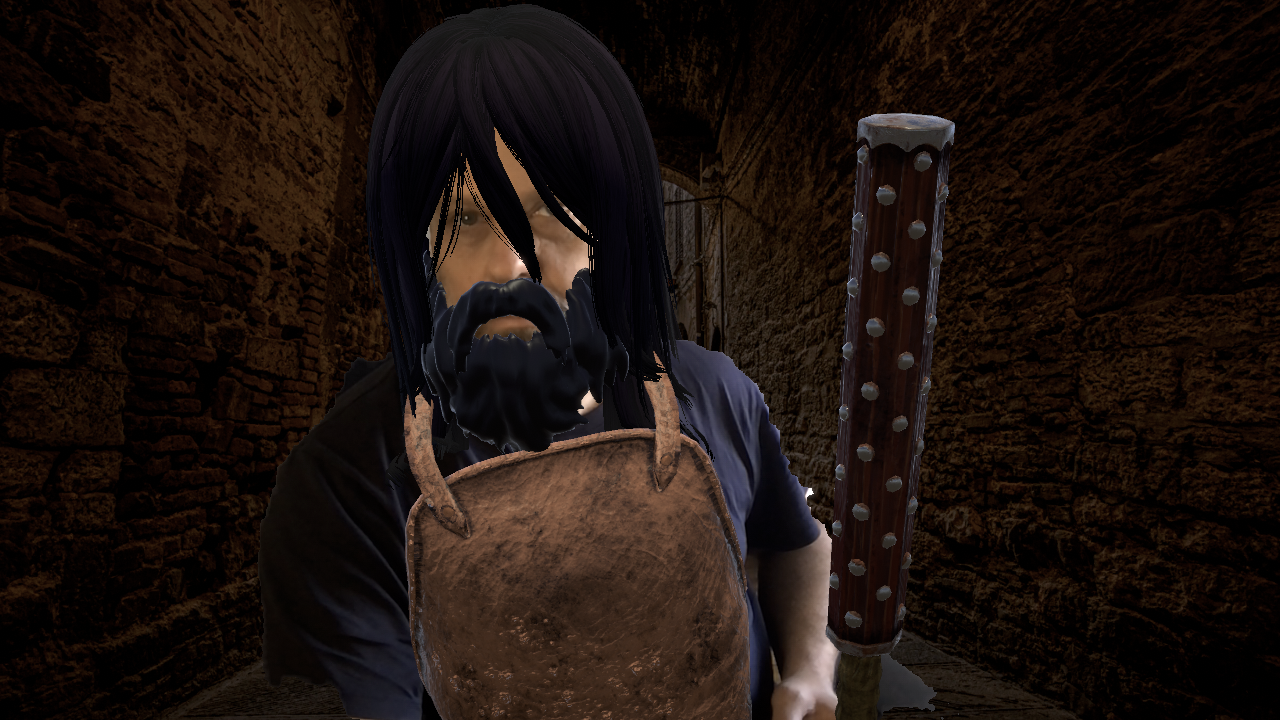 Thug
Build a preset for each major NPC. When the scene shifts, load the next preset. Players see the change in real time and can visually anchor who is speaking.
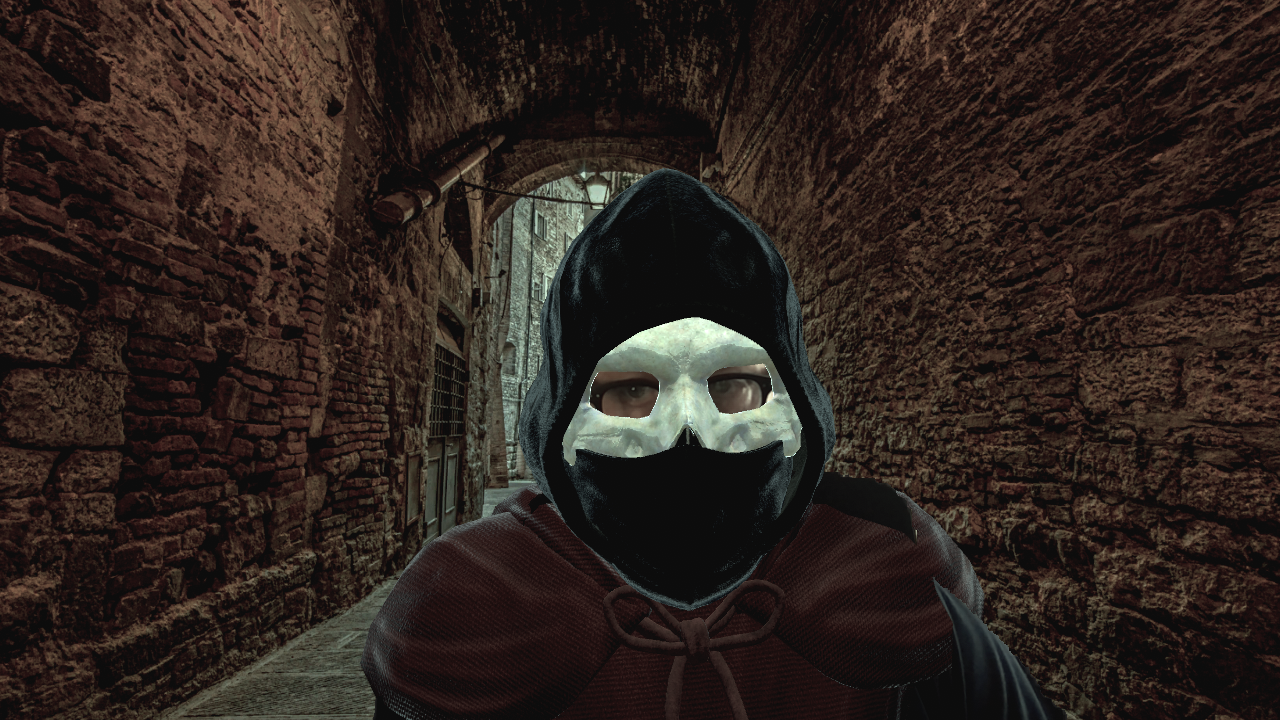 Hooded Skull
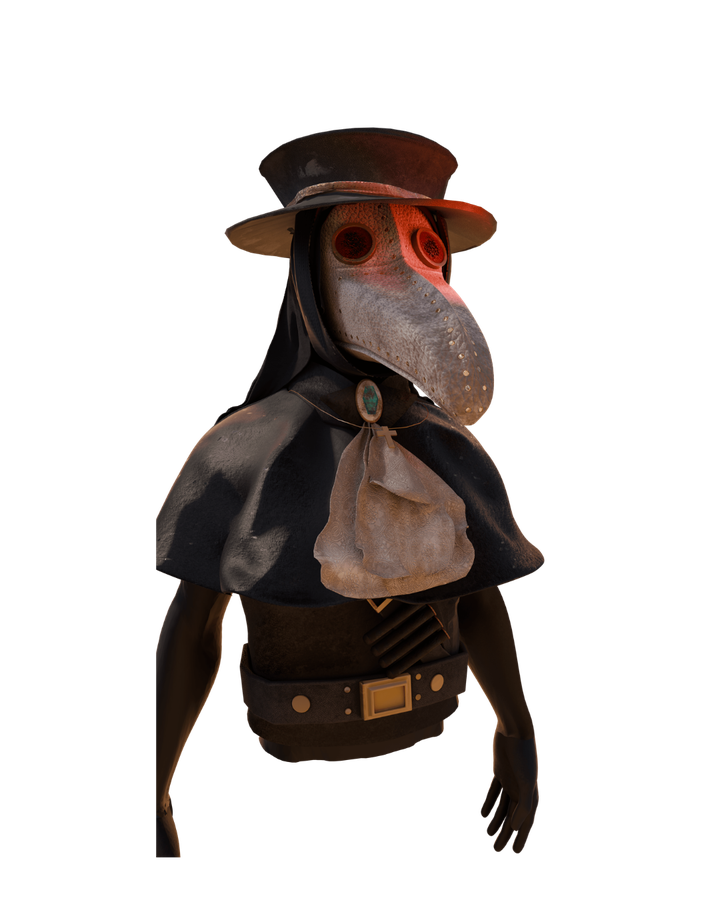
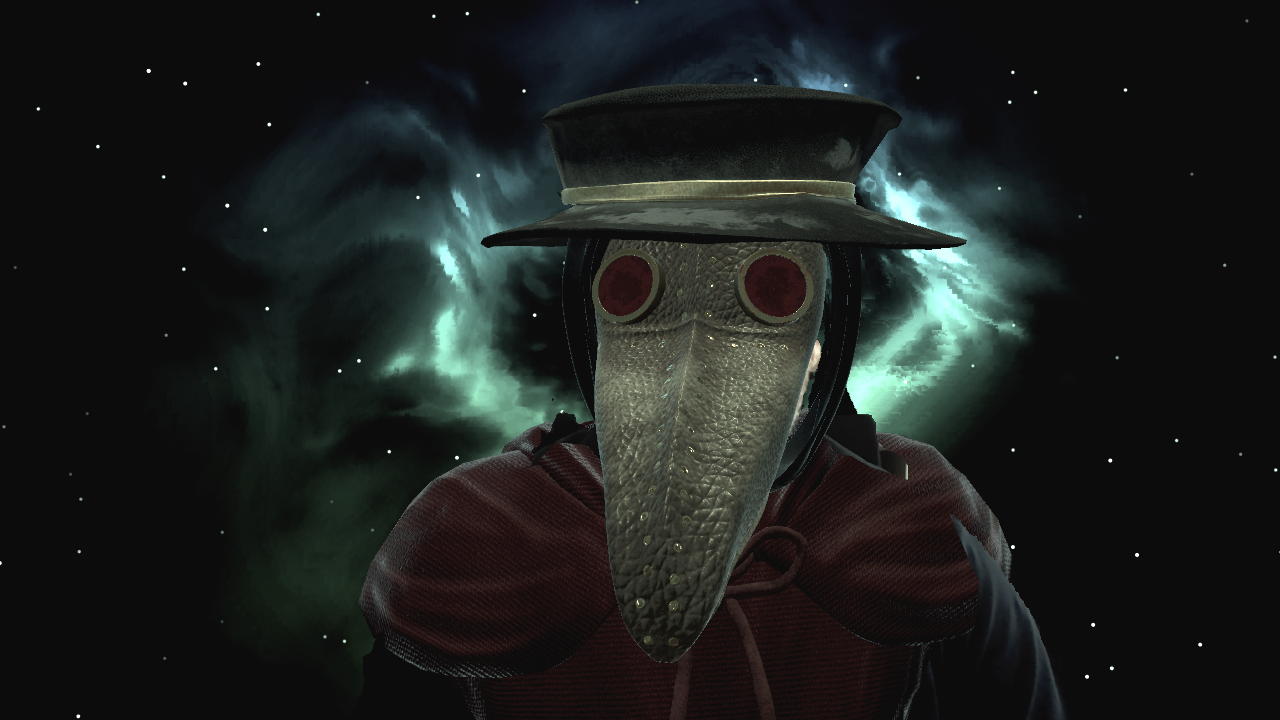 Plague Doctor
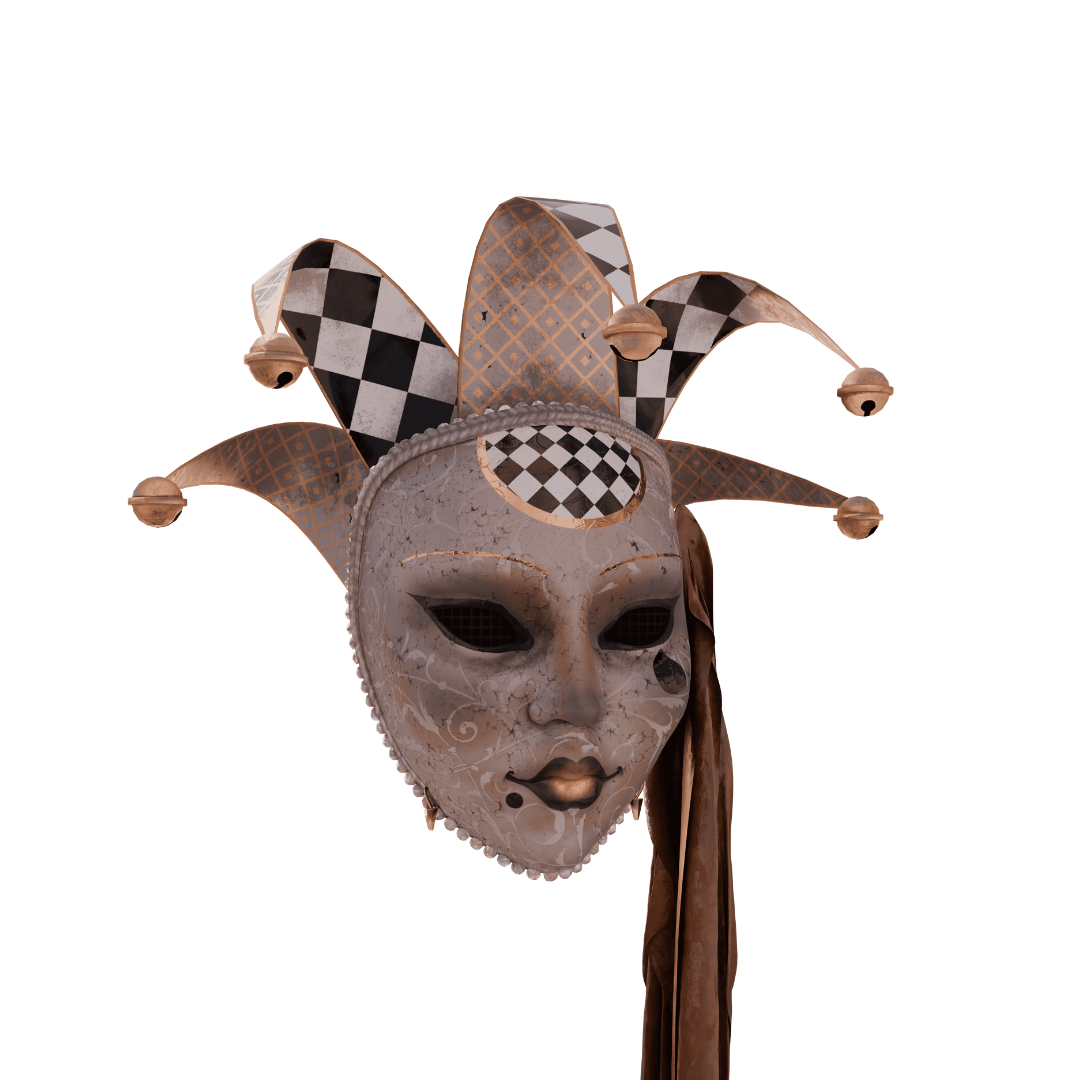
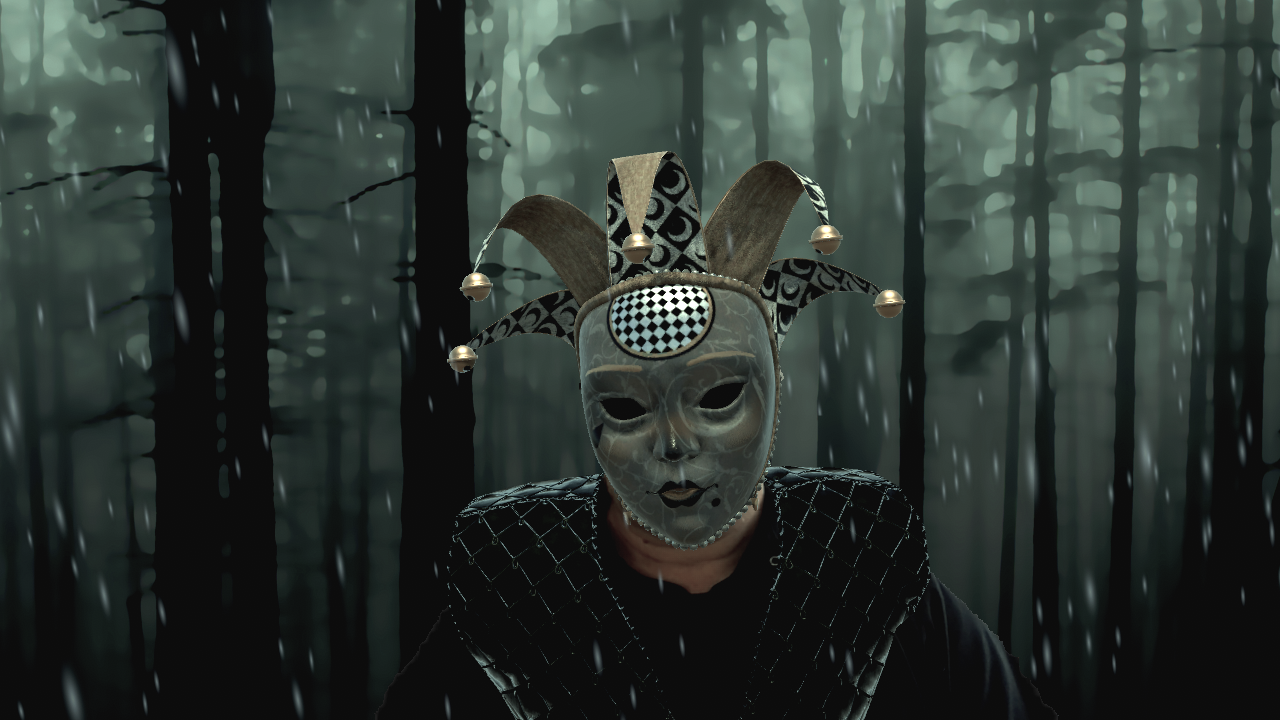 Venetian
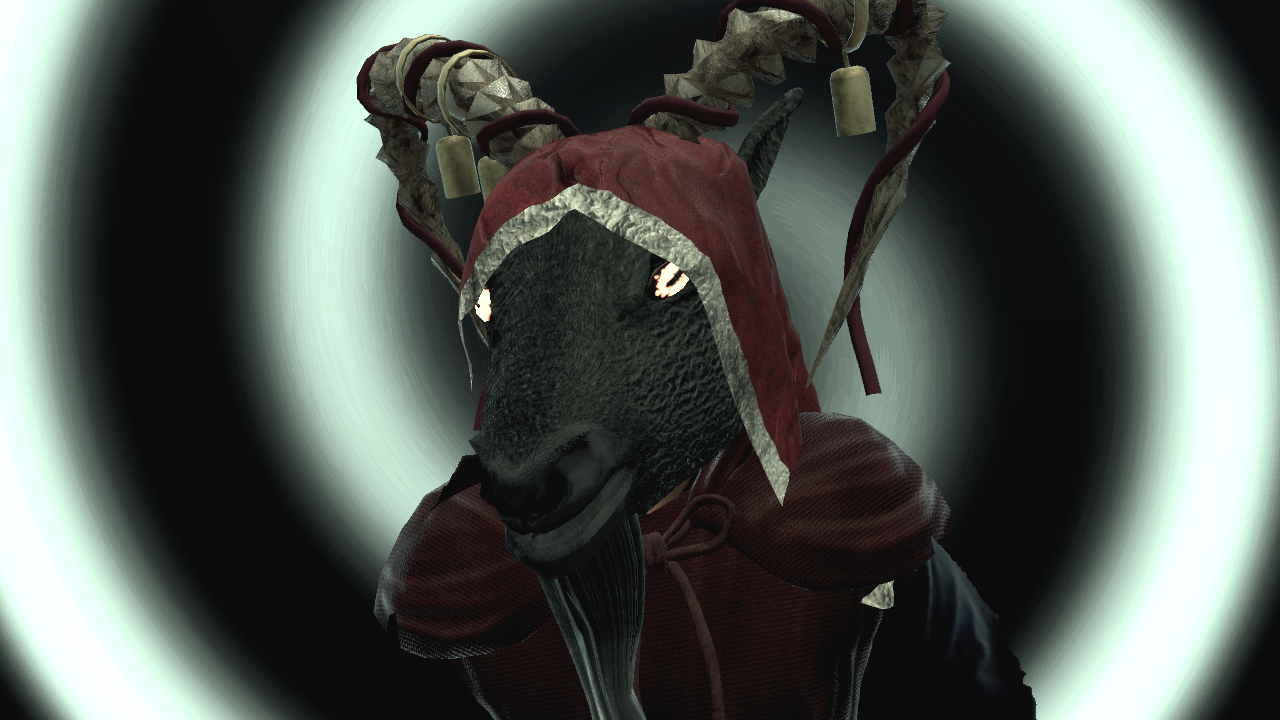 Krampus
Faes AR mask assets let you remain physically present on camera. Your movement and voice remain yours while the mask conceals your identity.
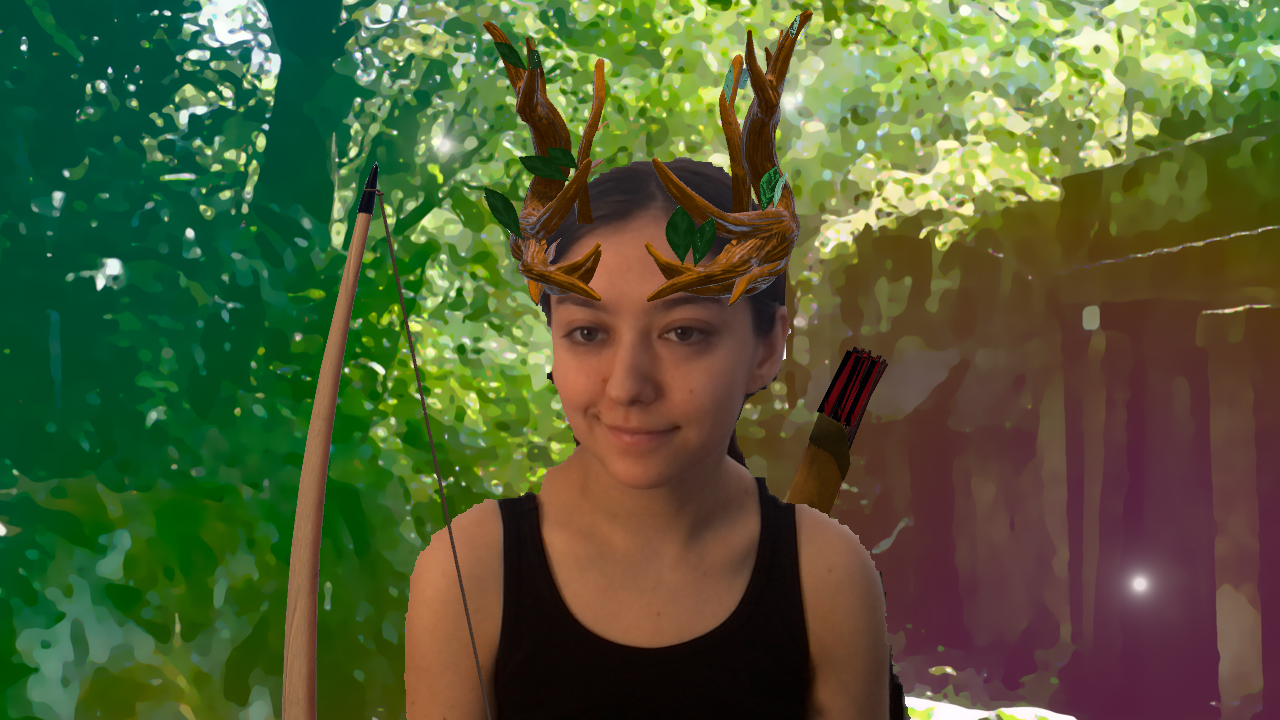 Kira · Ranger
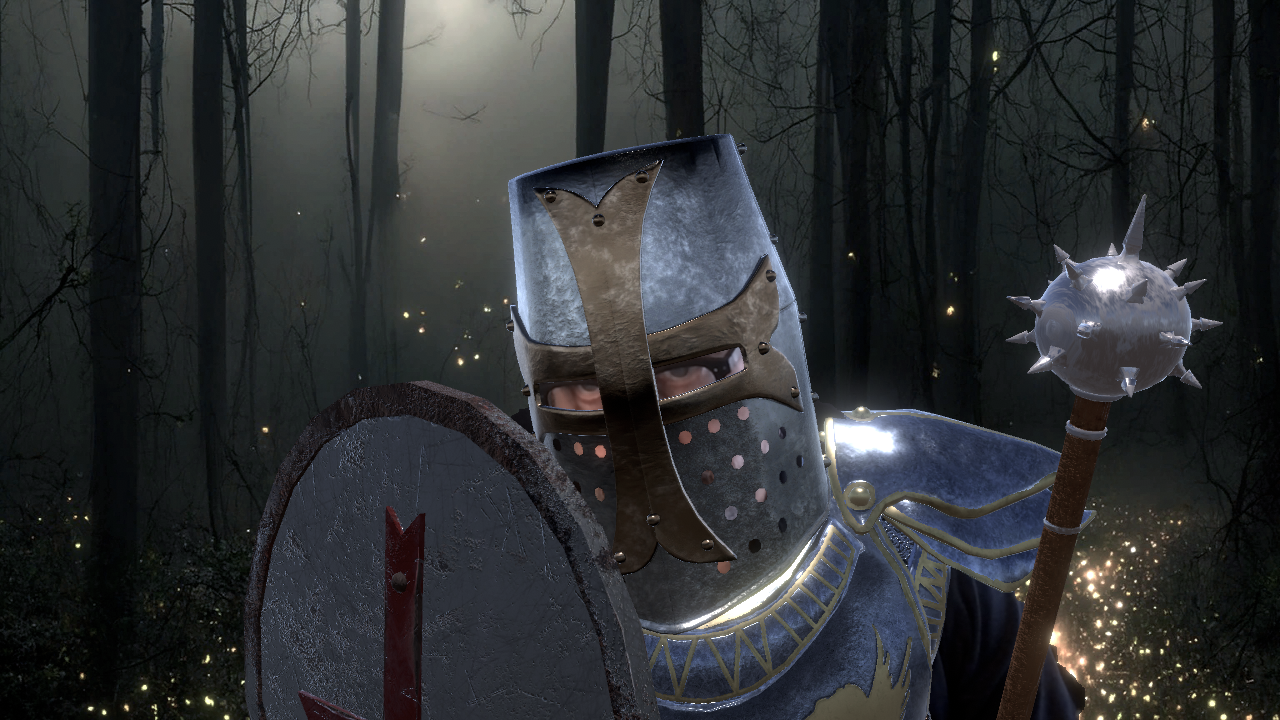 Vex · Templar
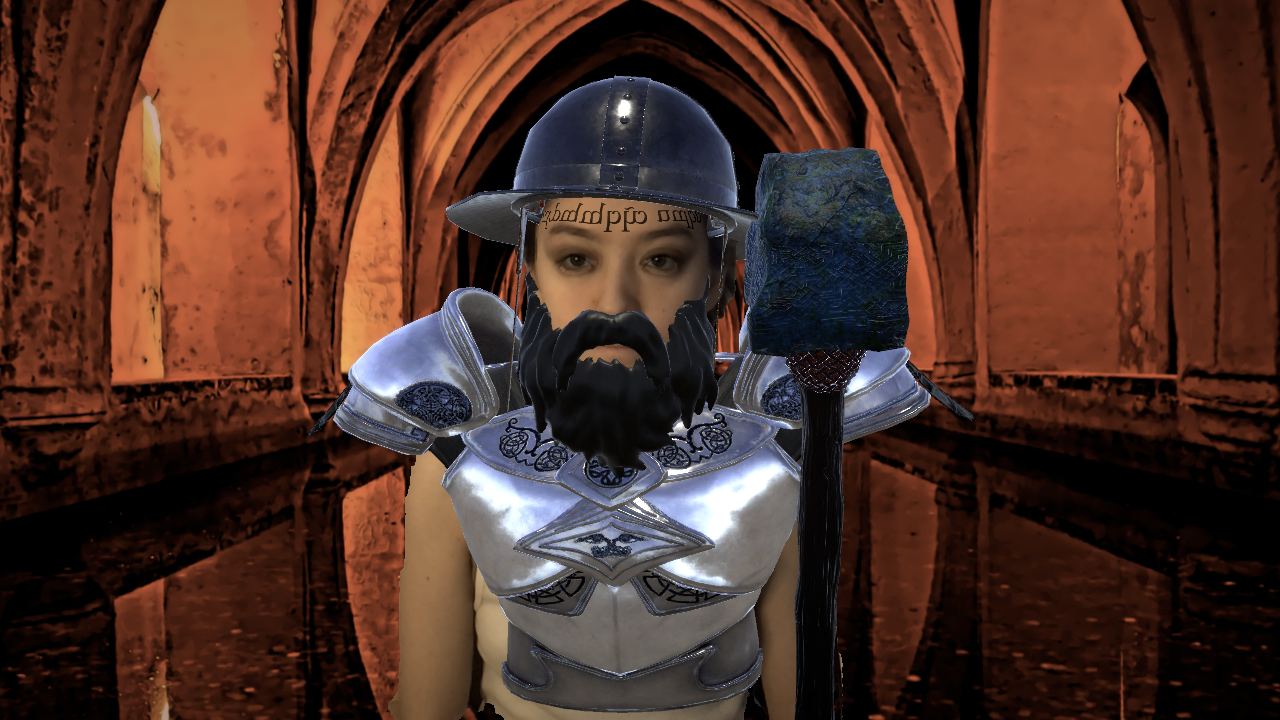 Rook · Cleric
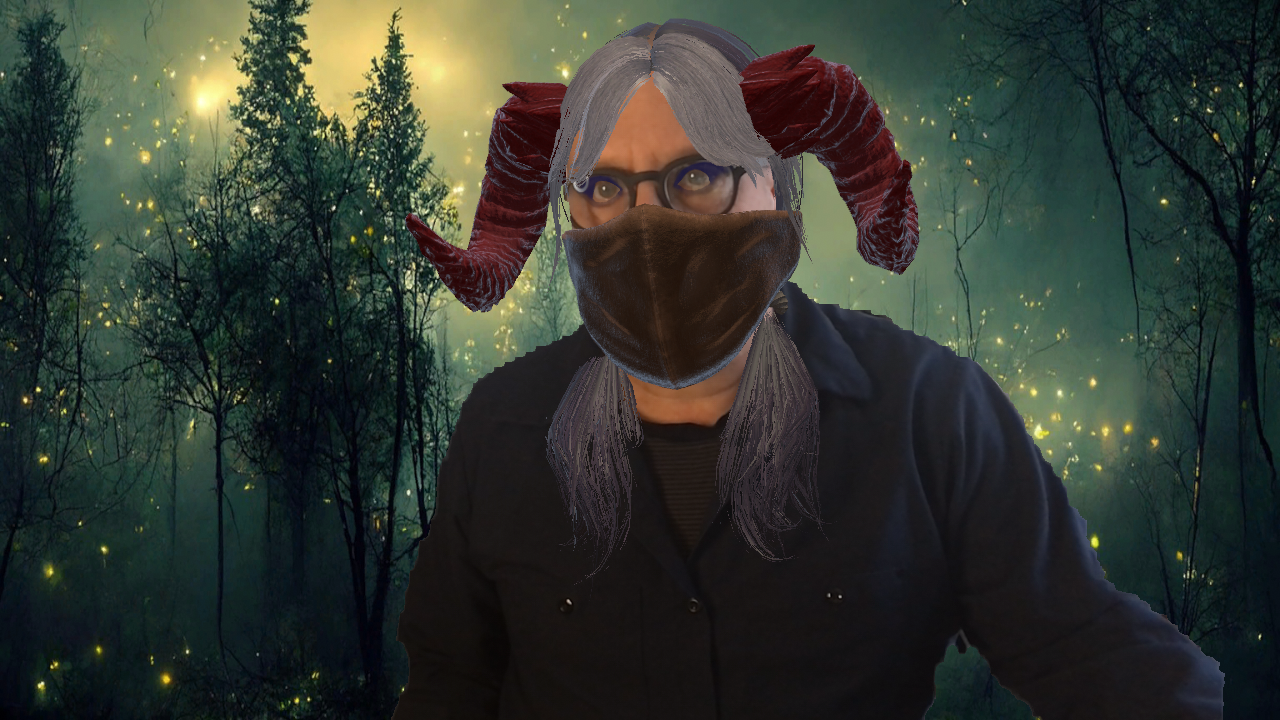 Iona · Fae
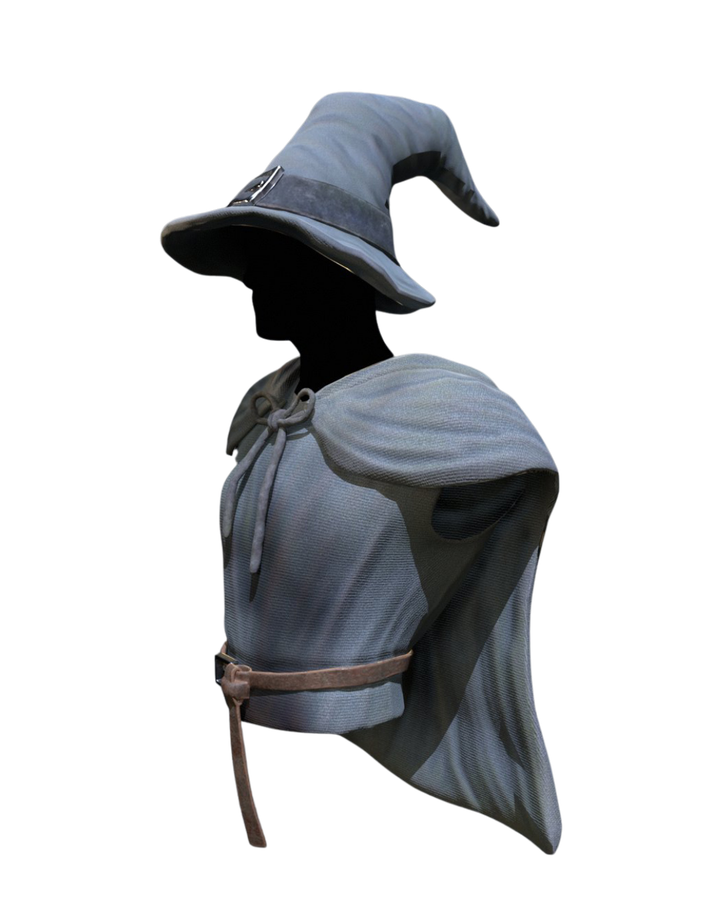
Every person at the table can author their own character look. Visual identity reinforces roleplay continuity across the whole session.
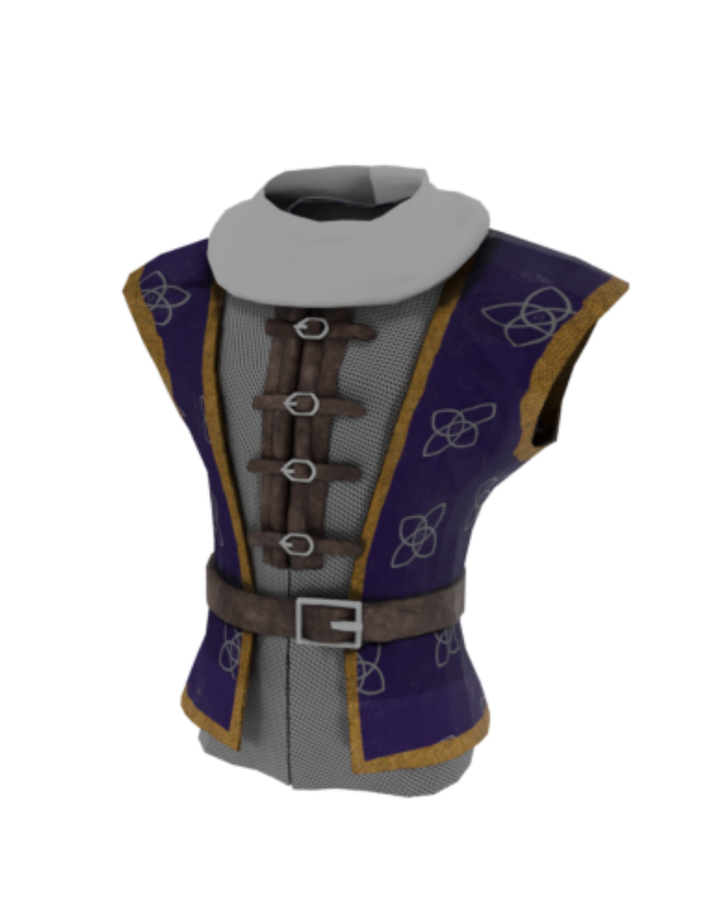
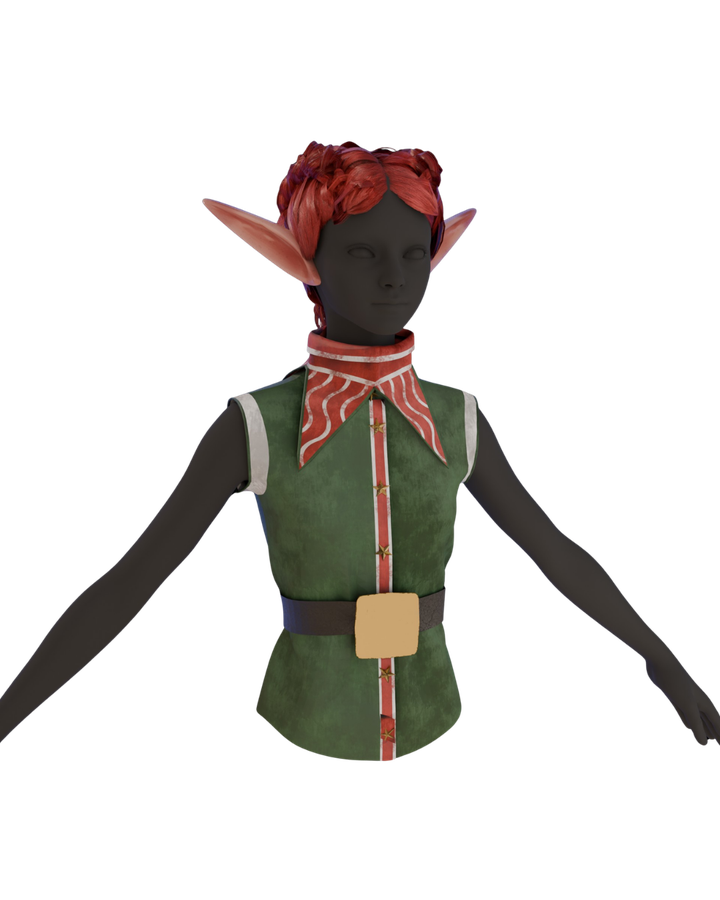
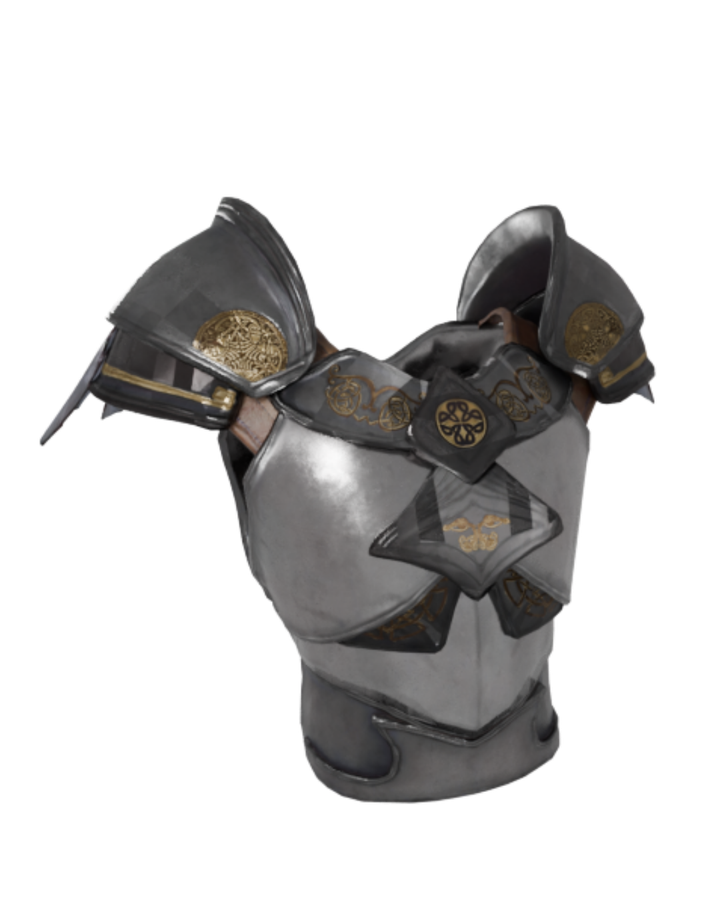
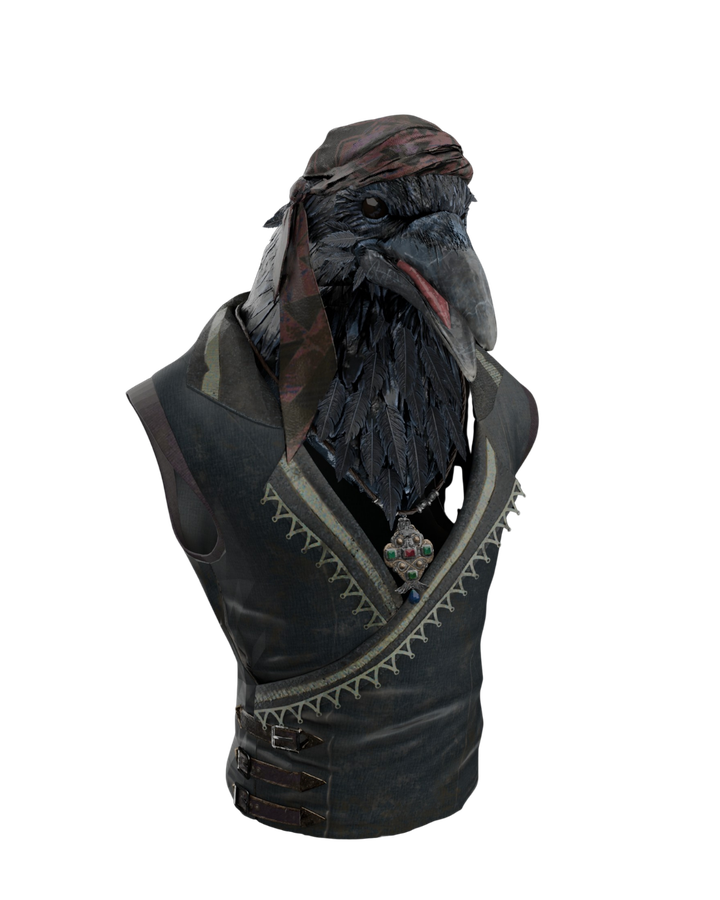
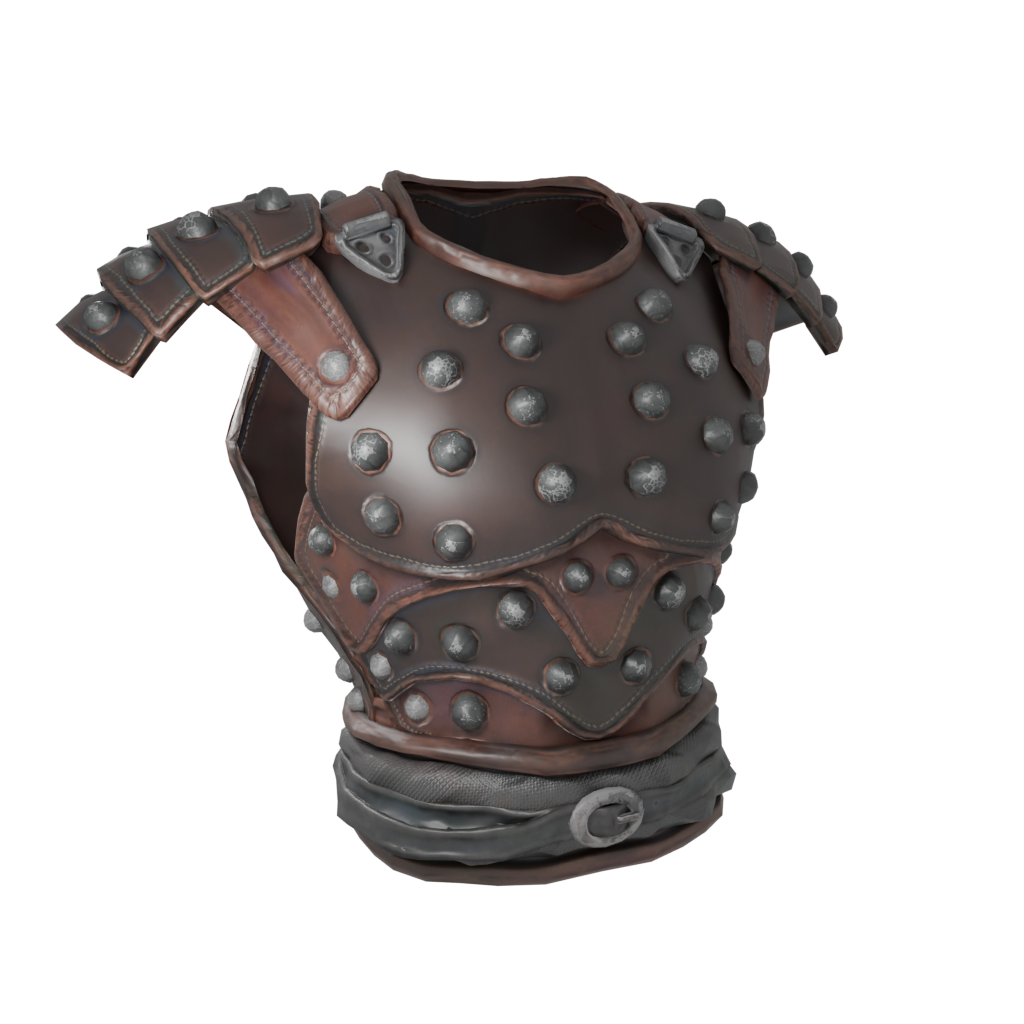
Hundreds of hand-crafted outfits, masks, helms, handheld items and features. One face, many characters.
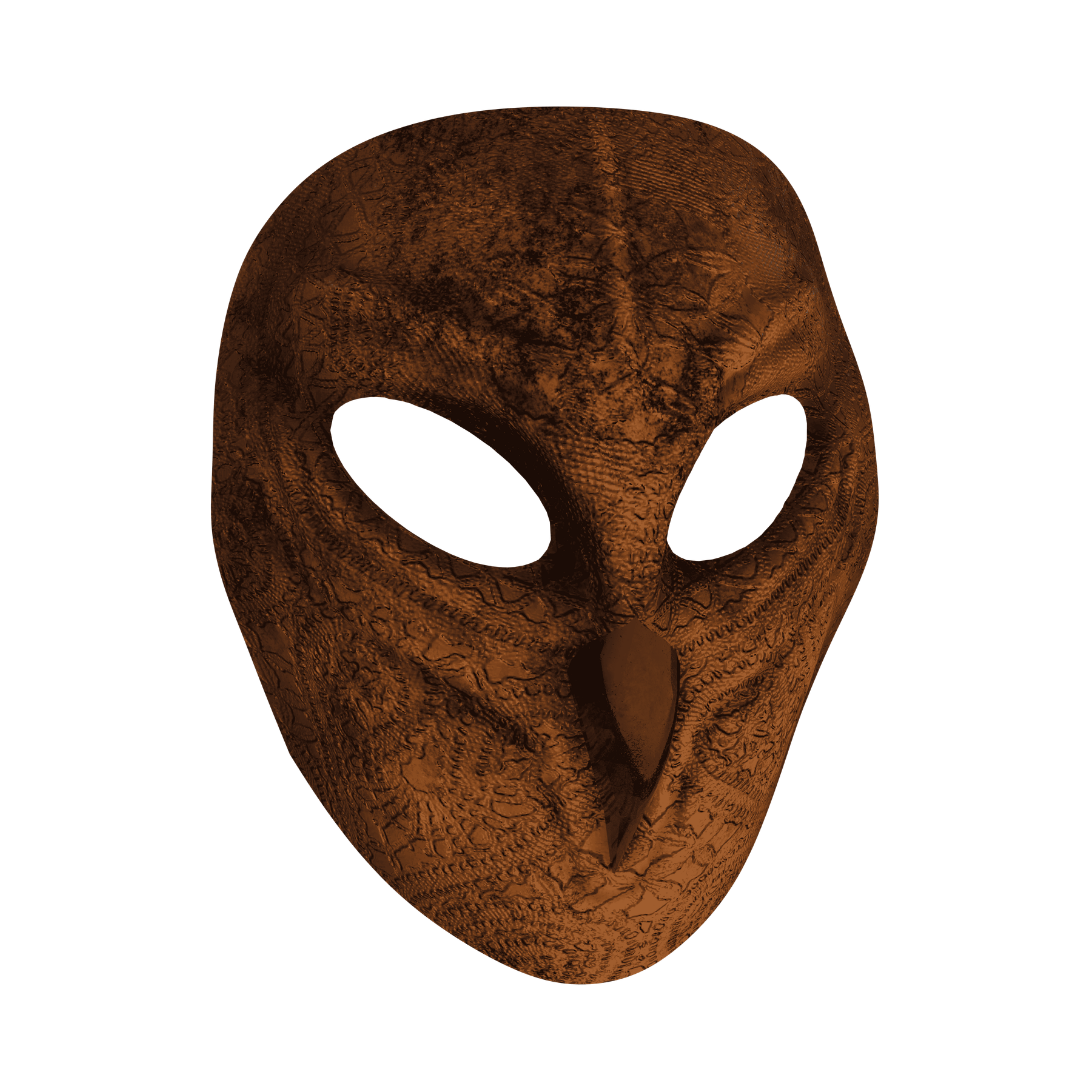
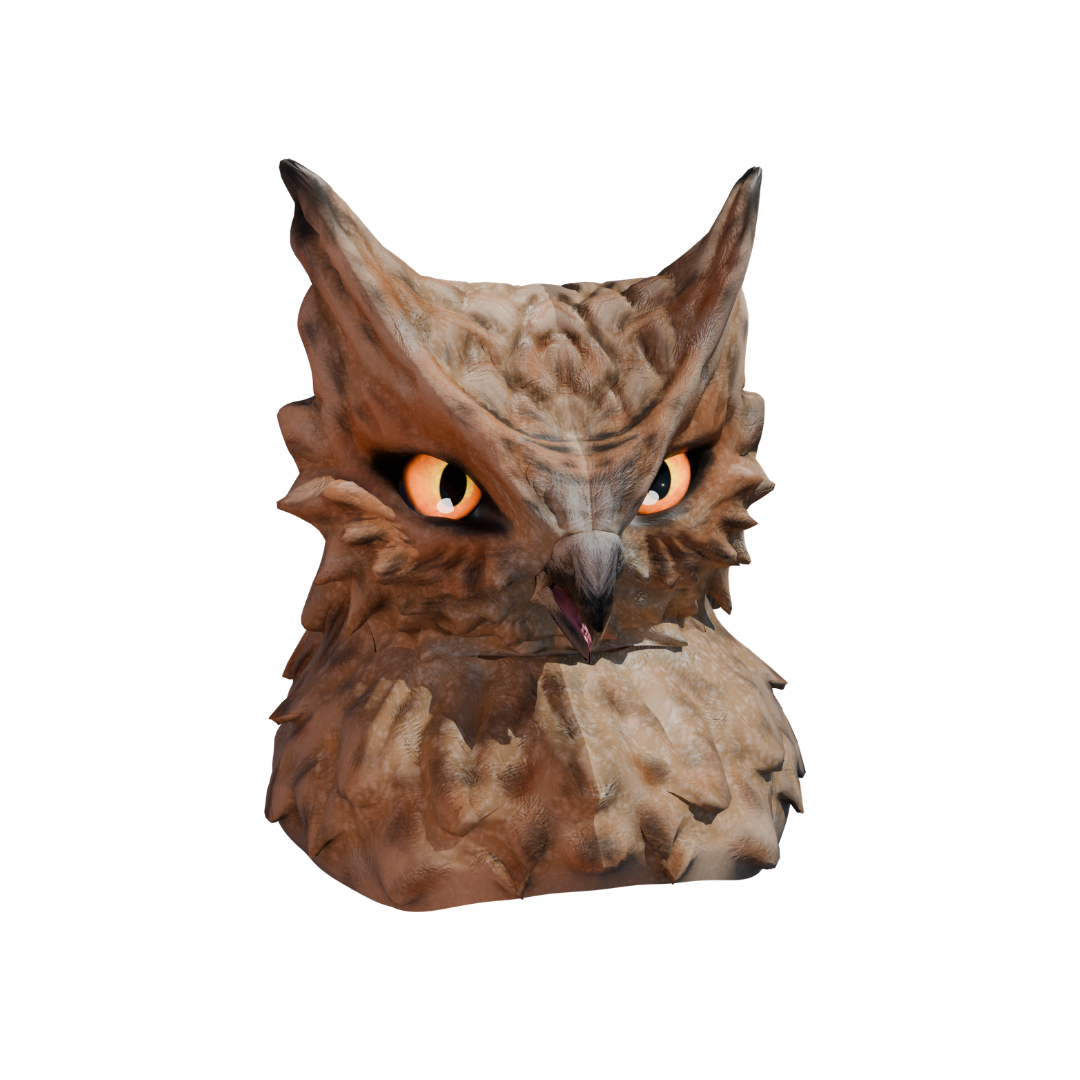
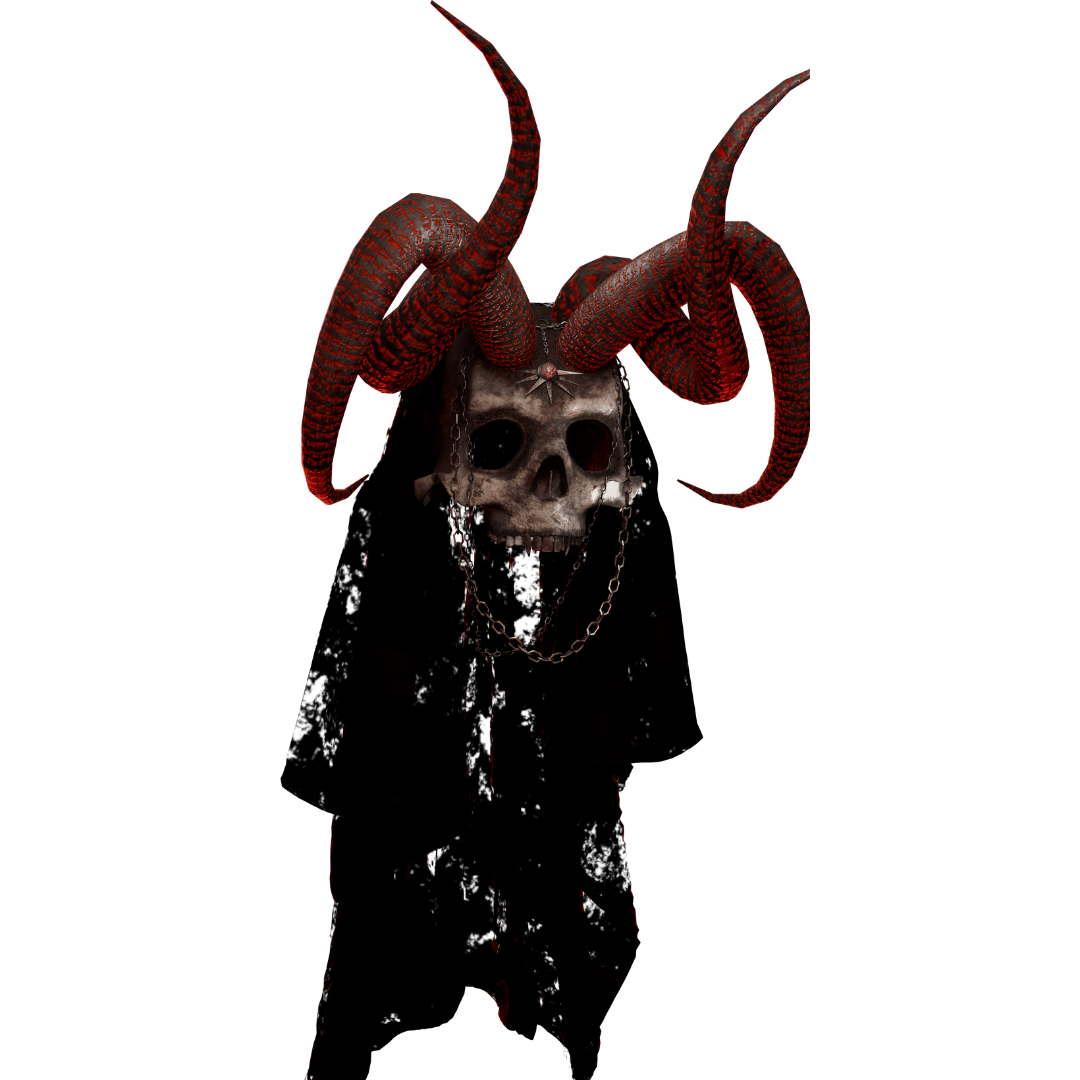
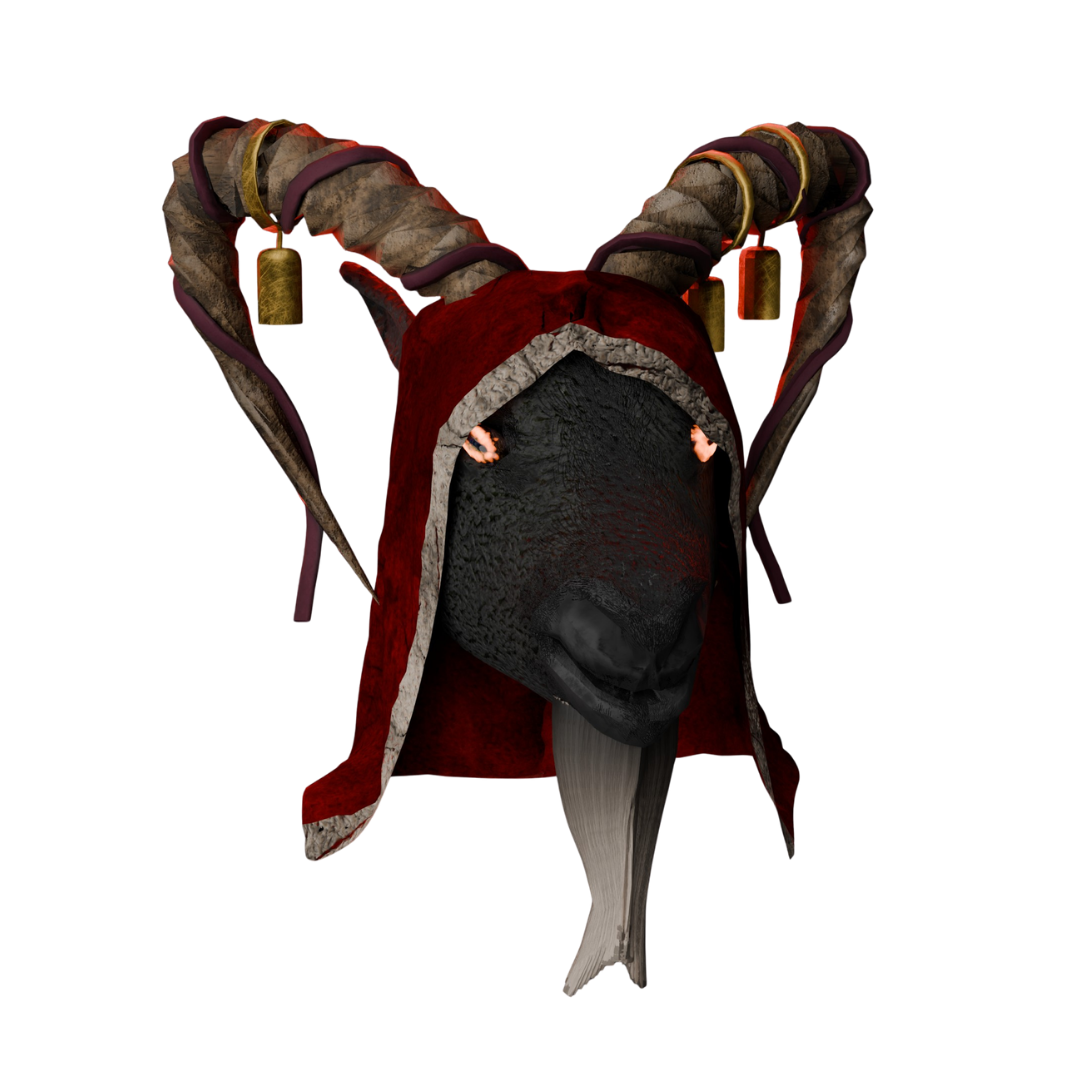
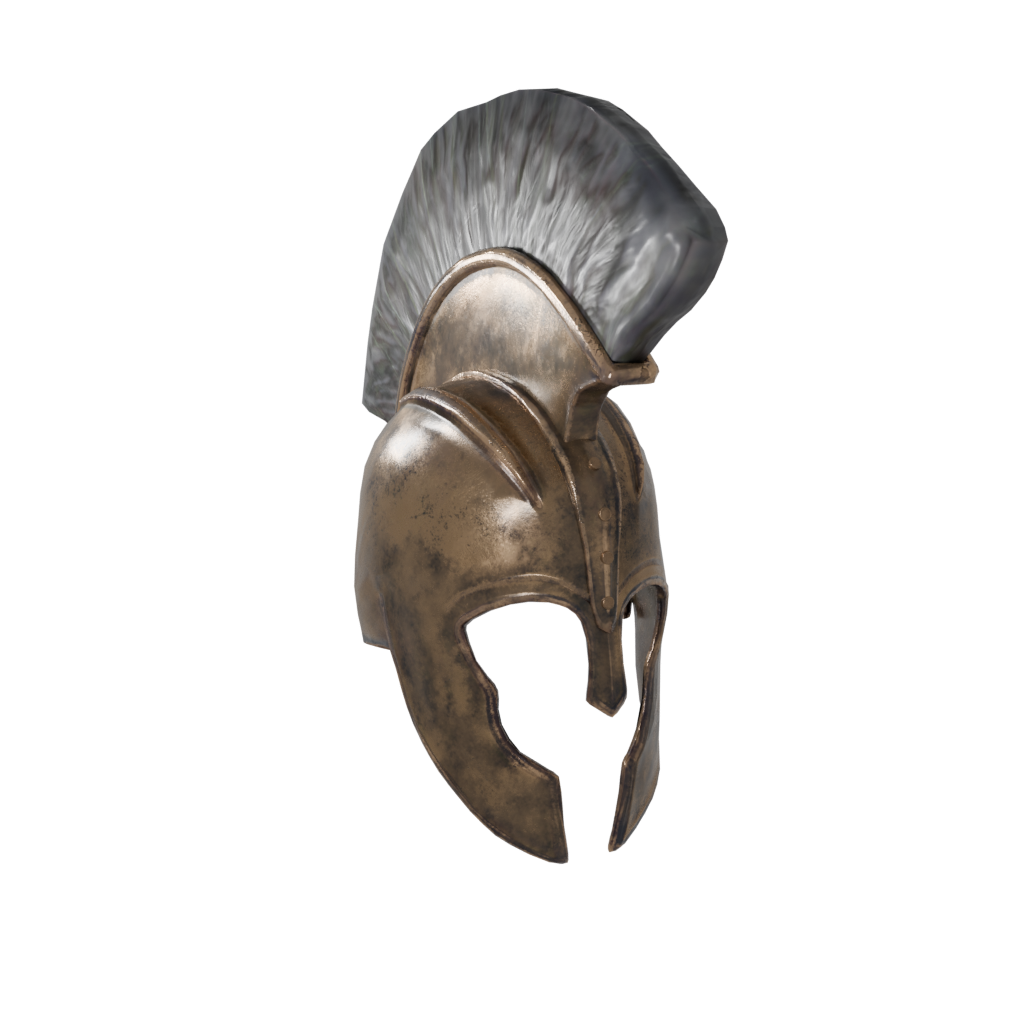
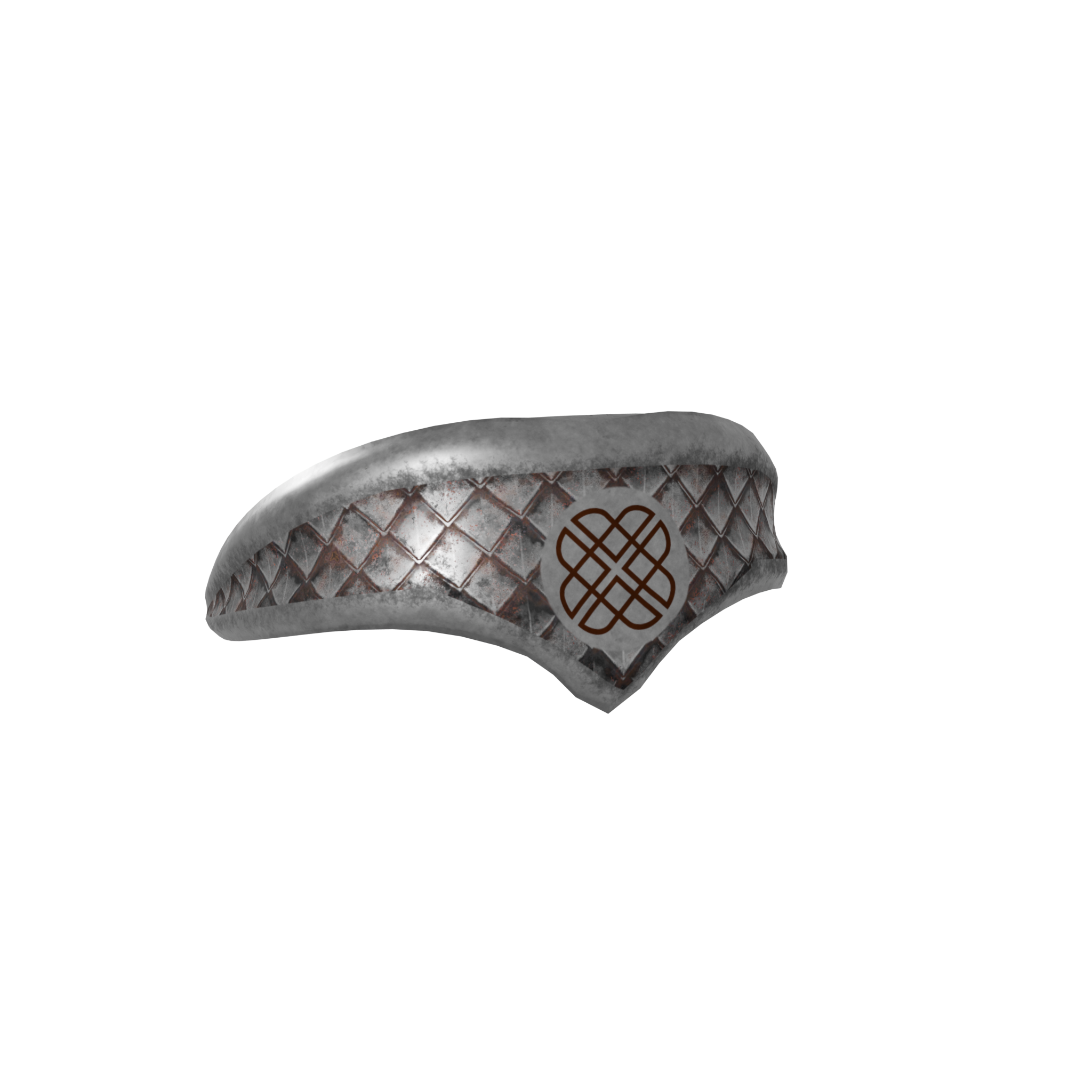
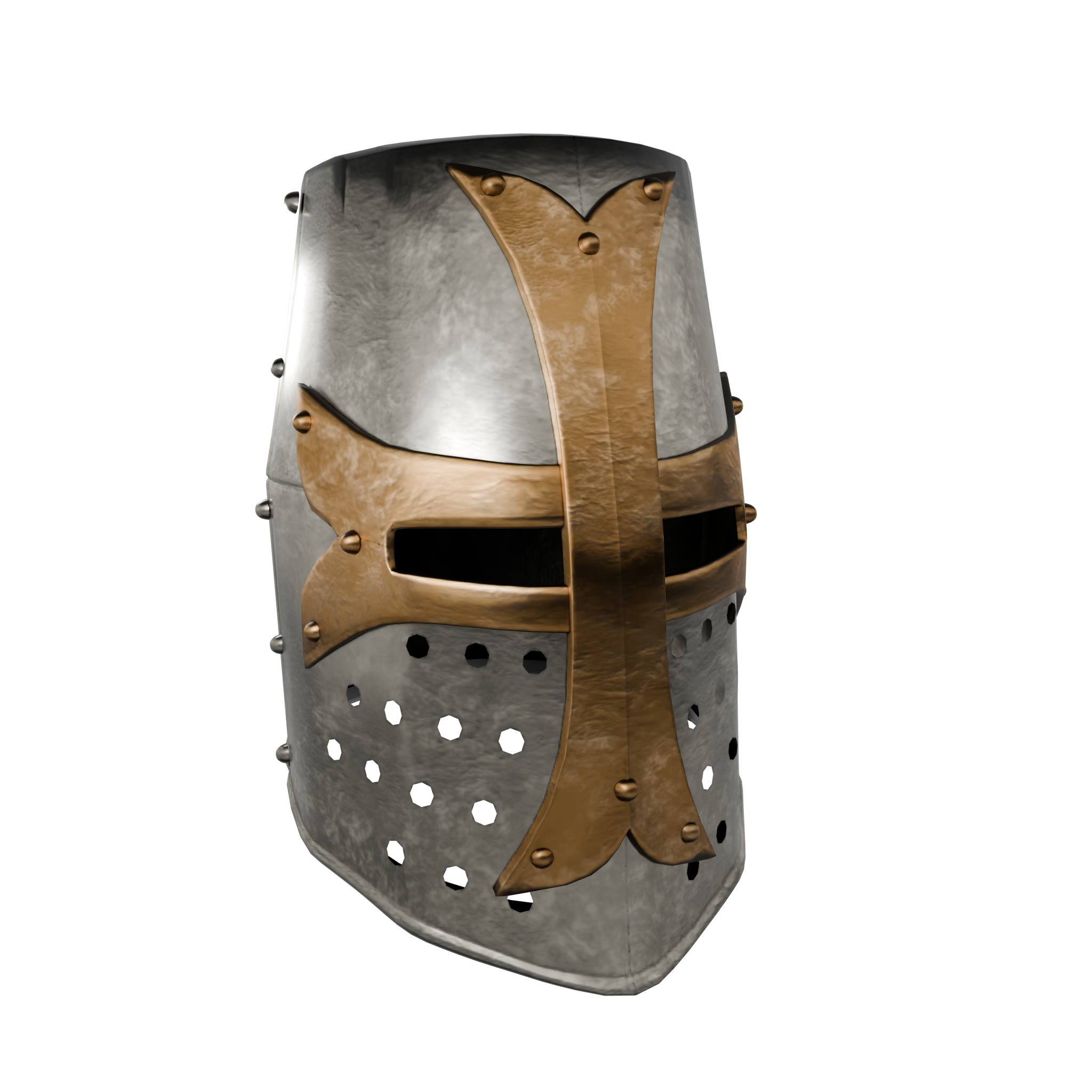
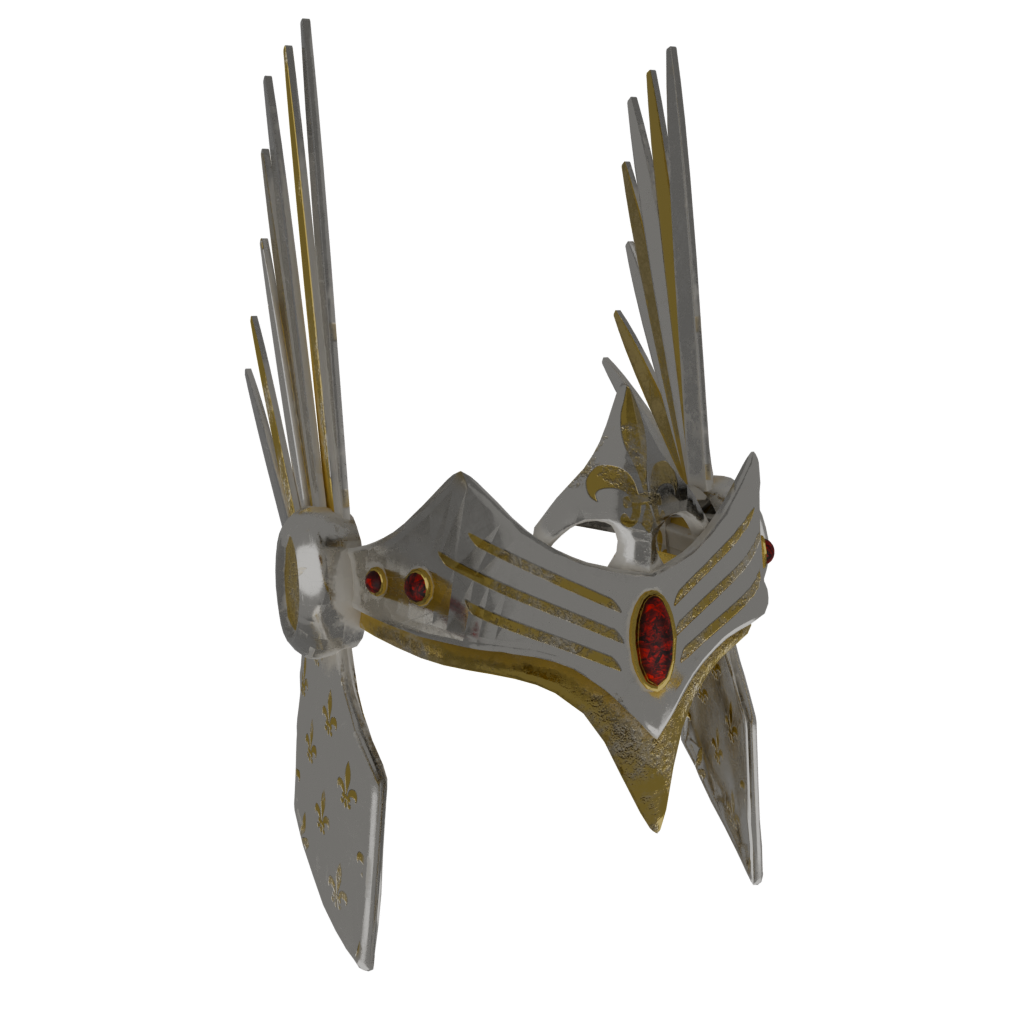
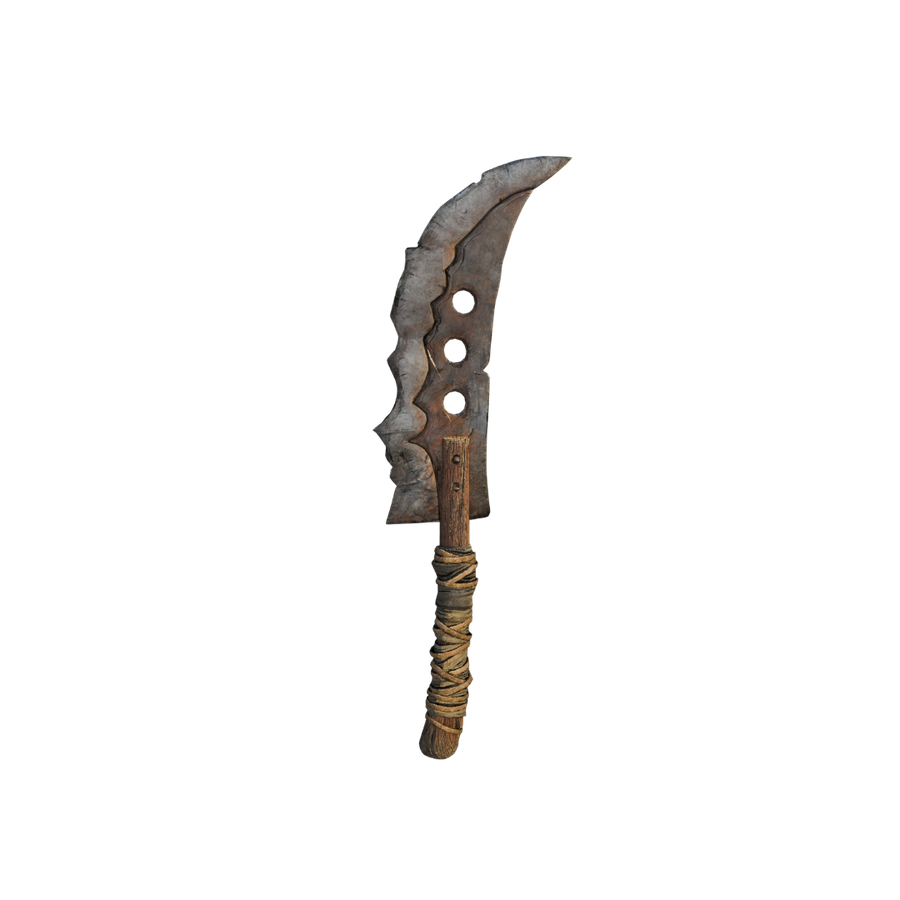
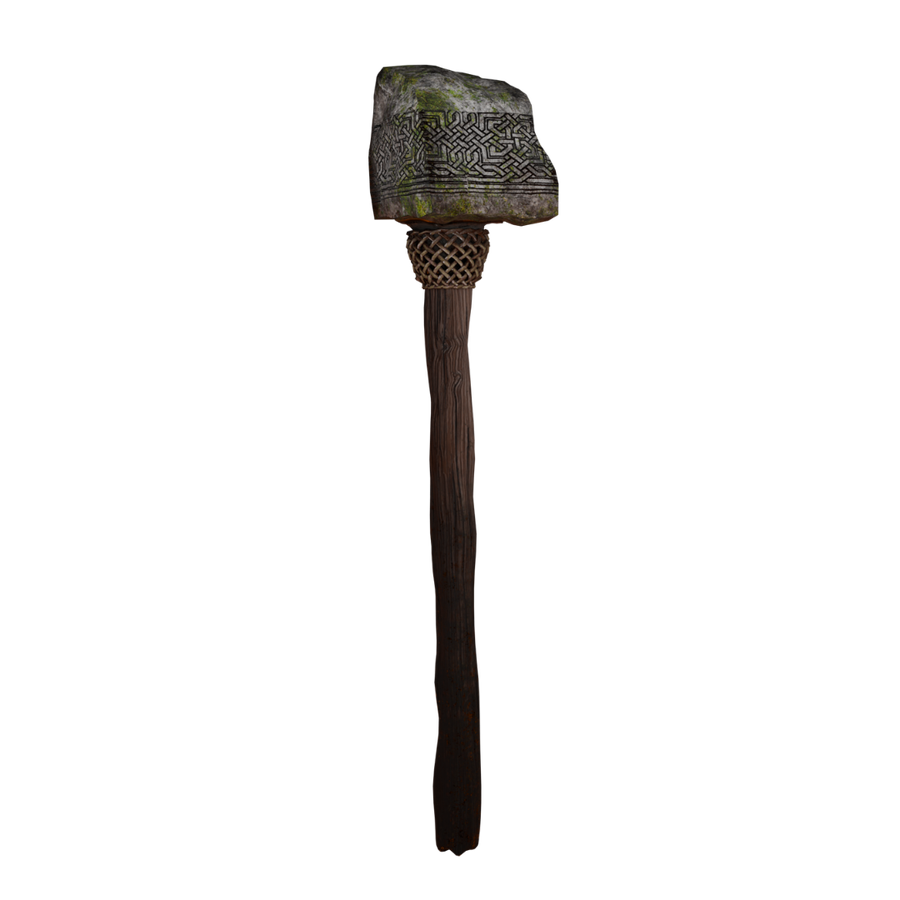
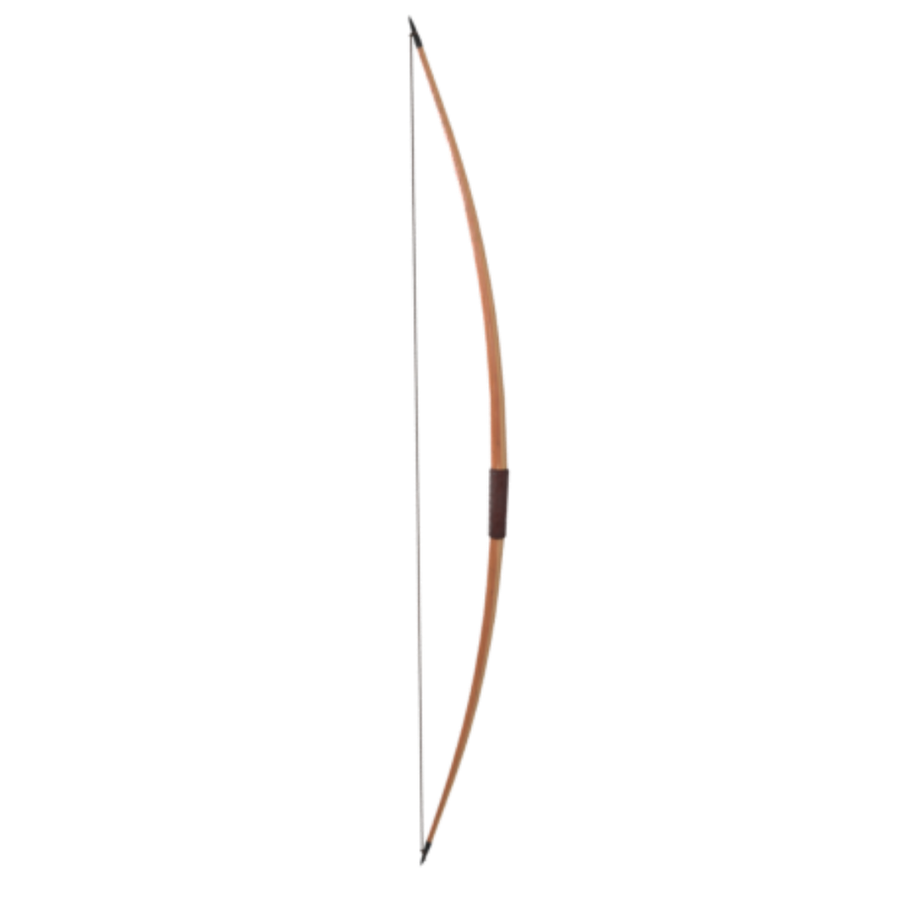
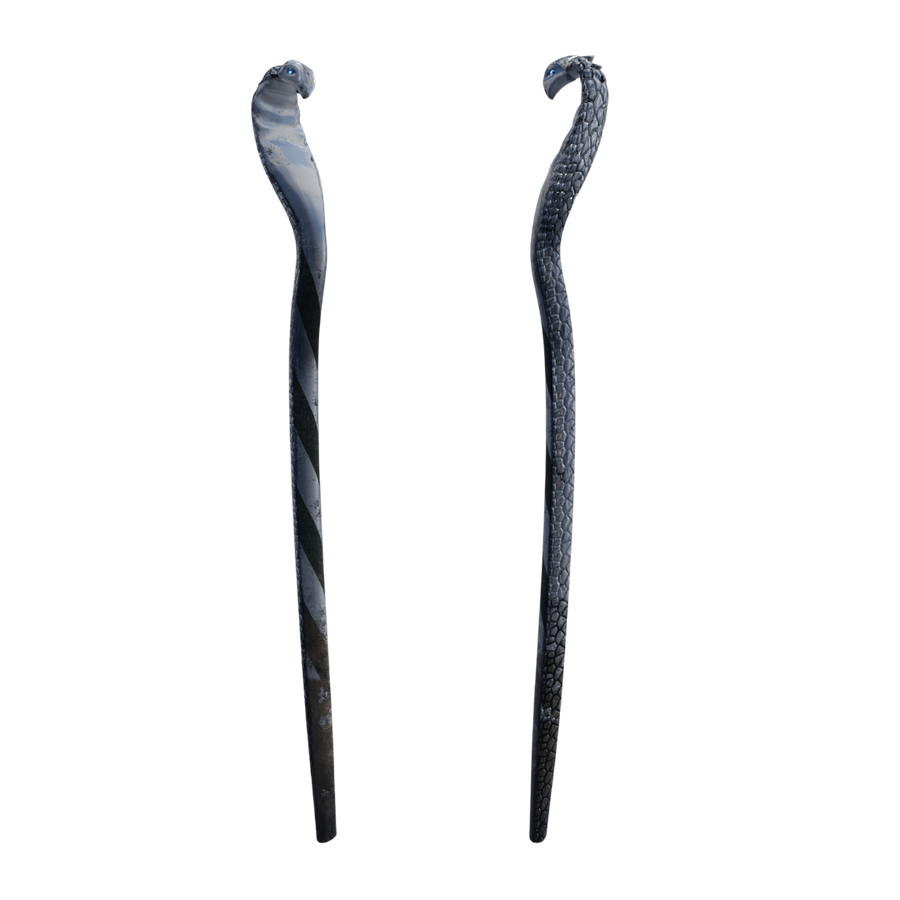
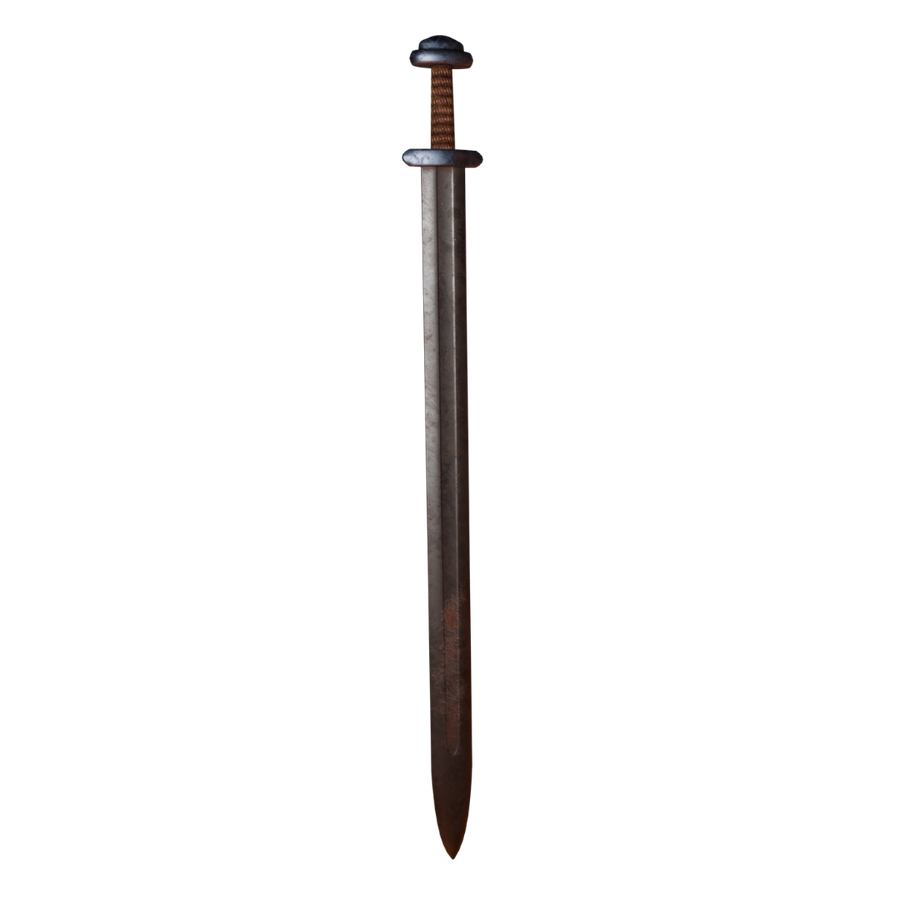
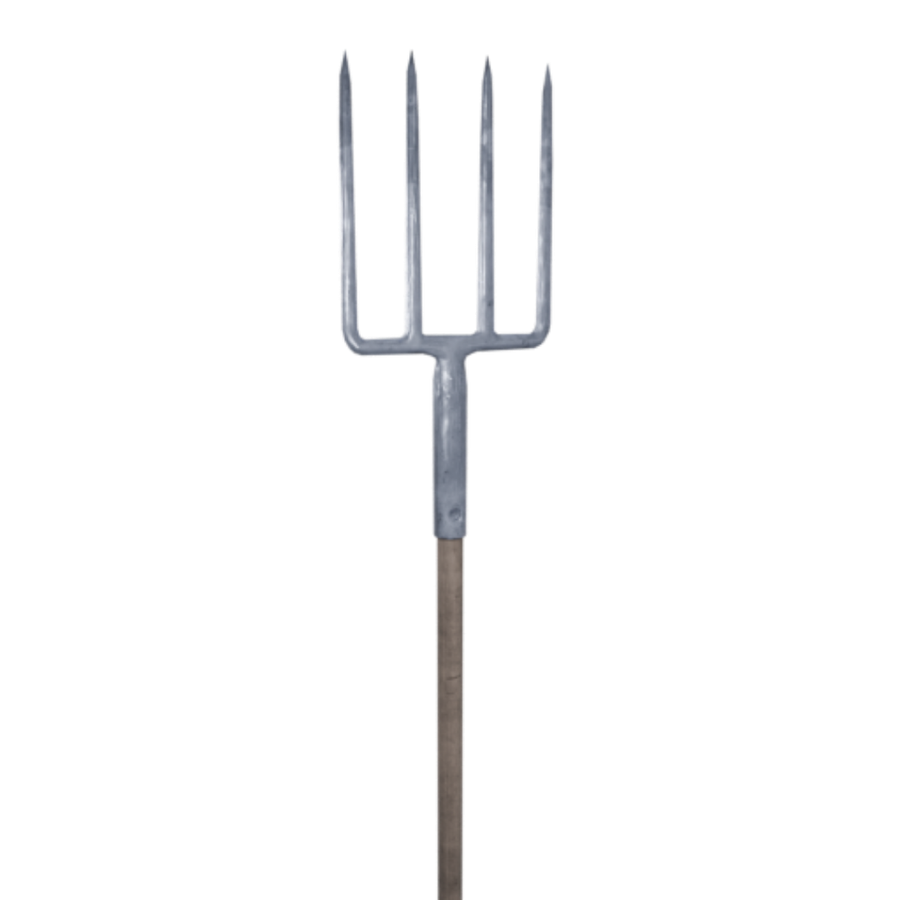
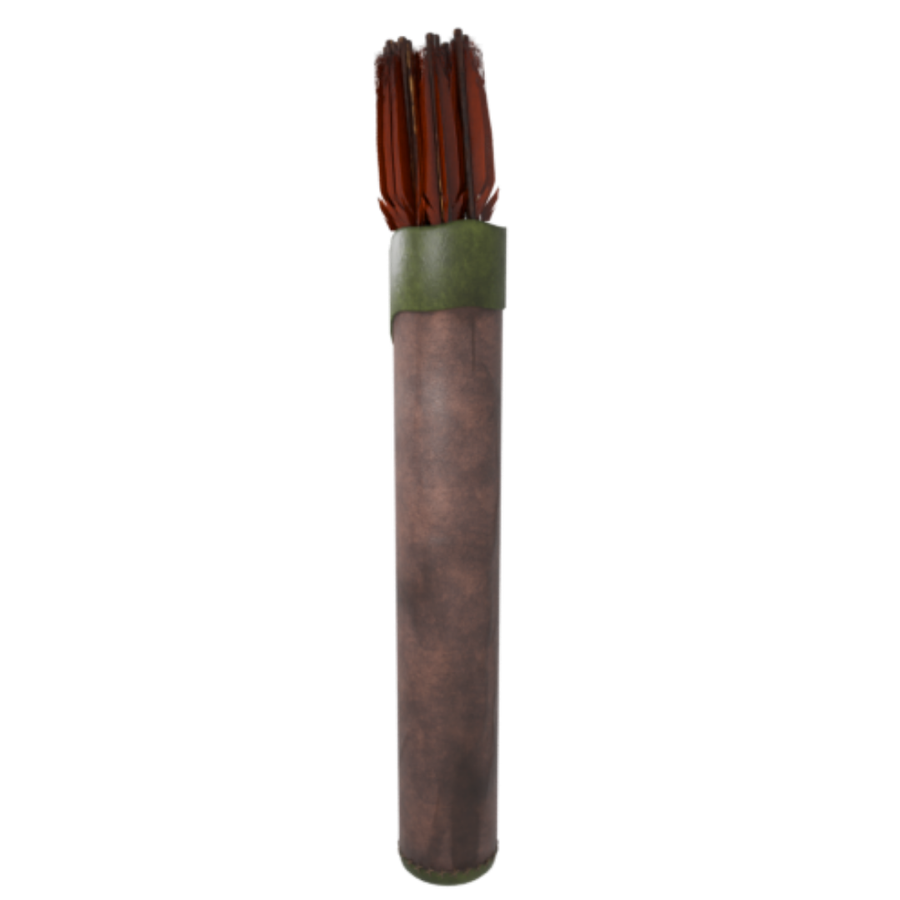
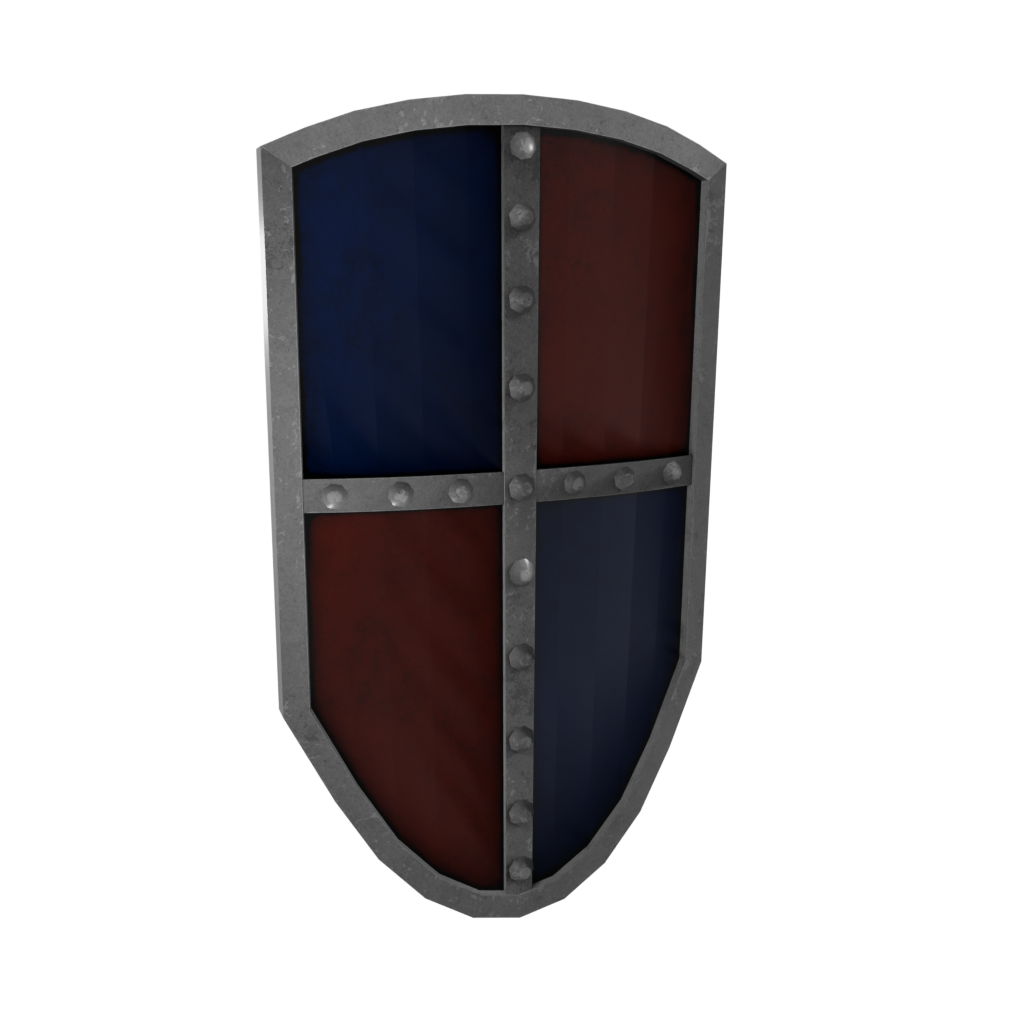
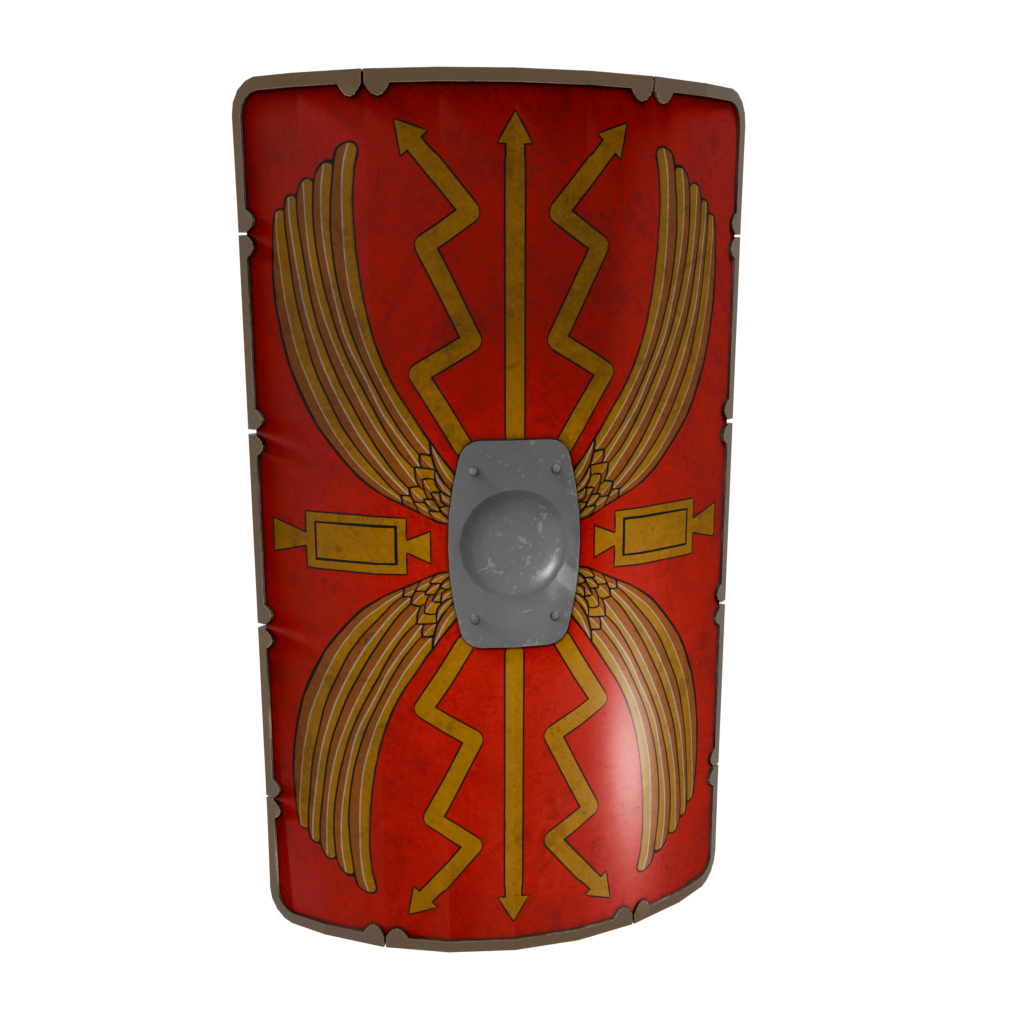
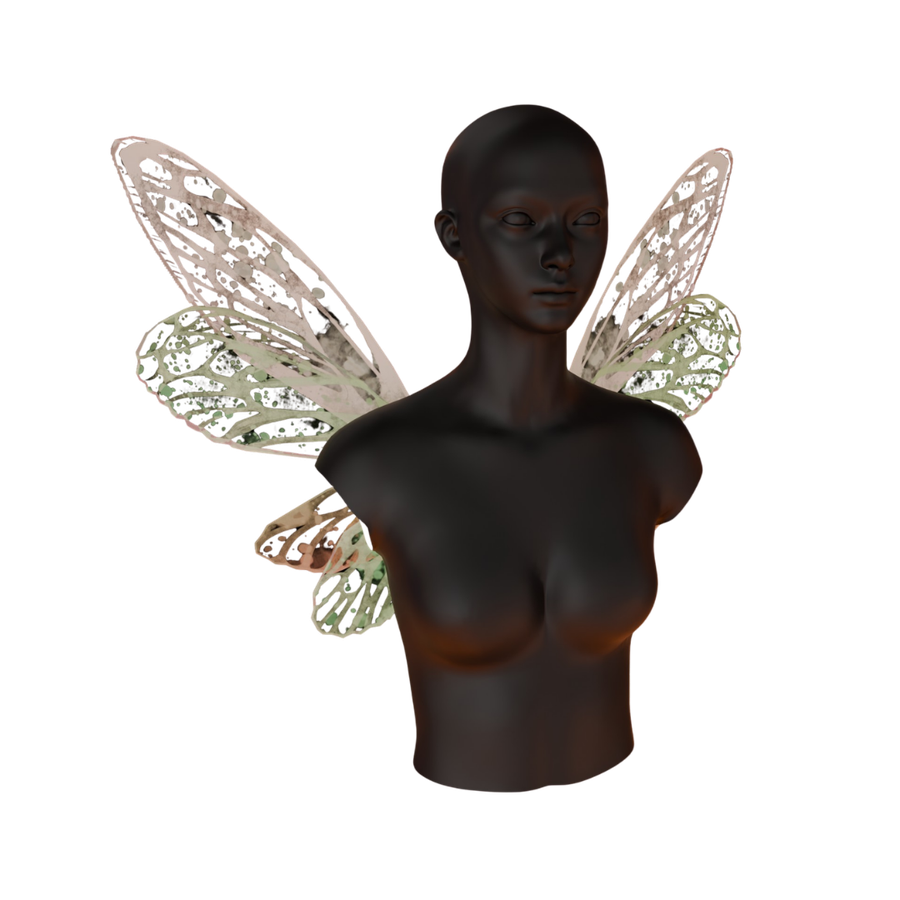
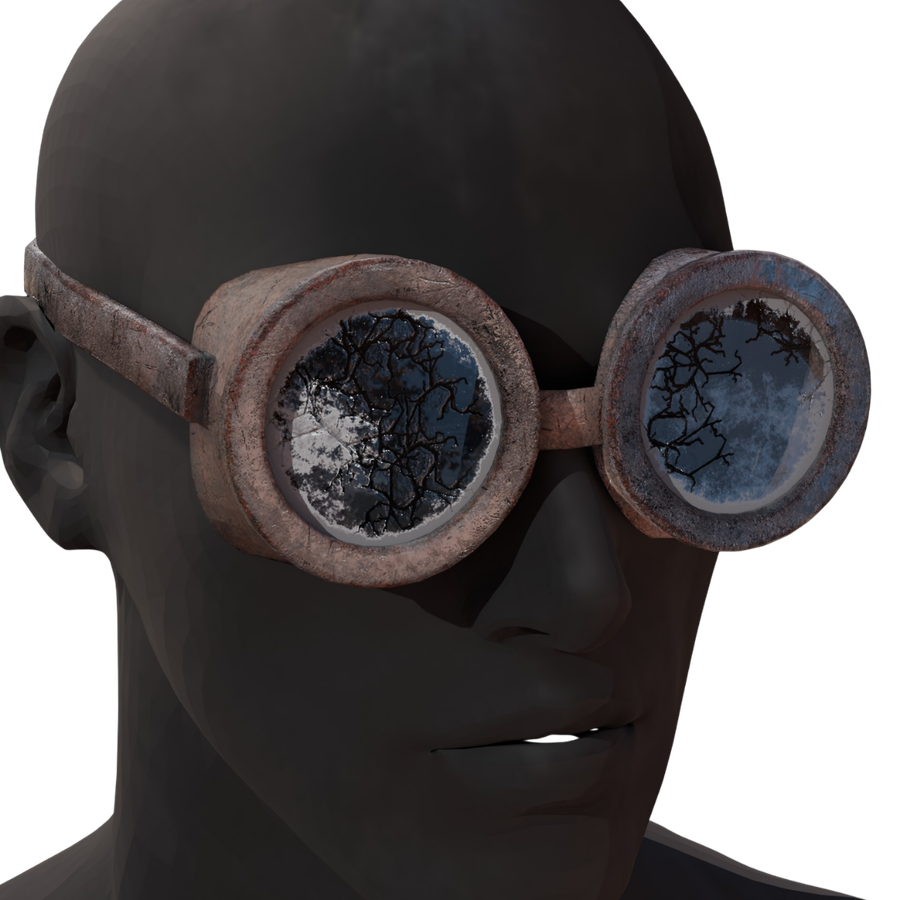
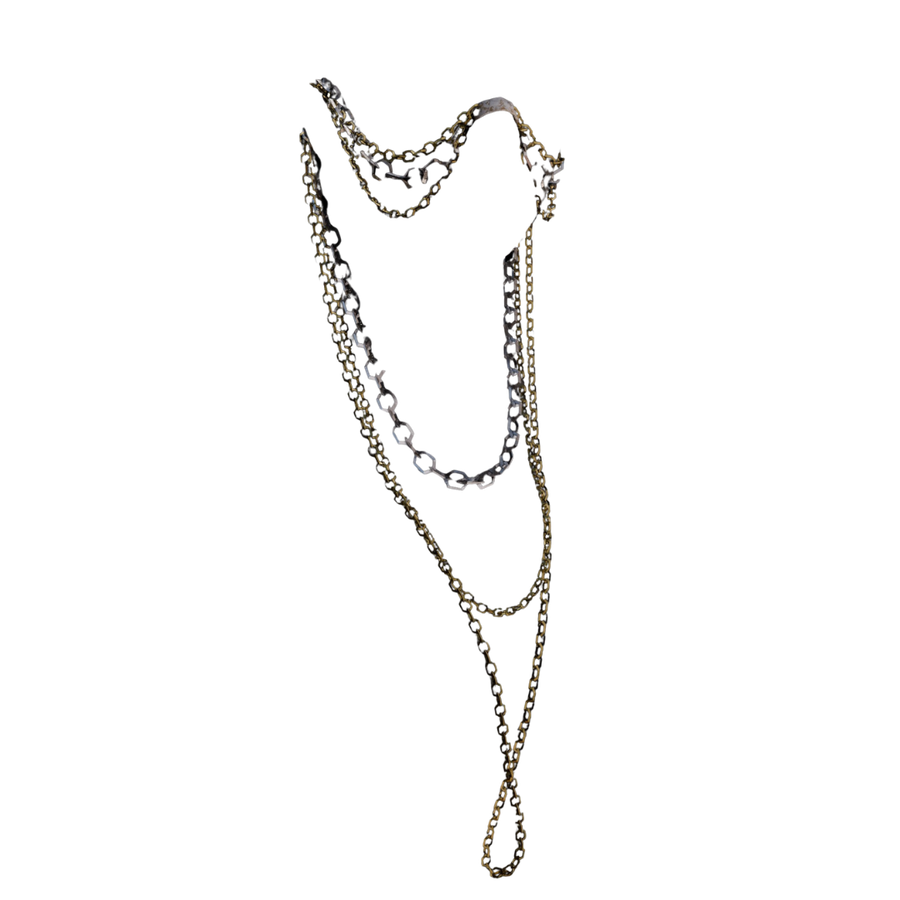
Pick a background from the app or upload your own. Drop into any world without leaving your room.


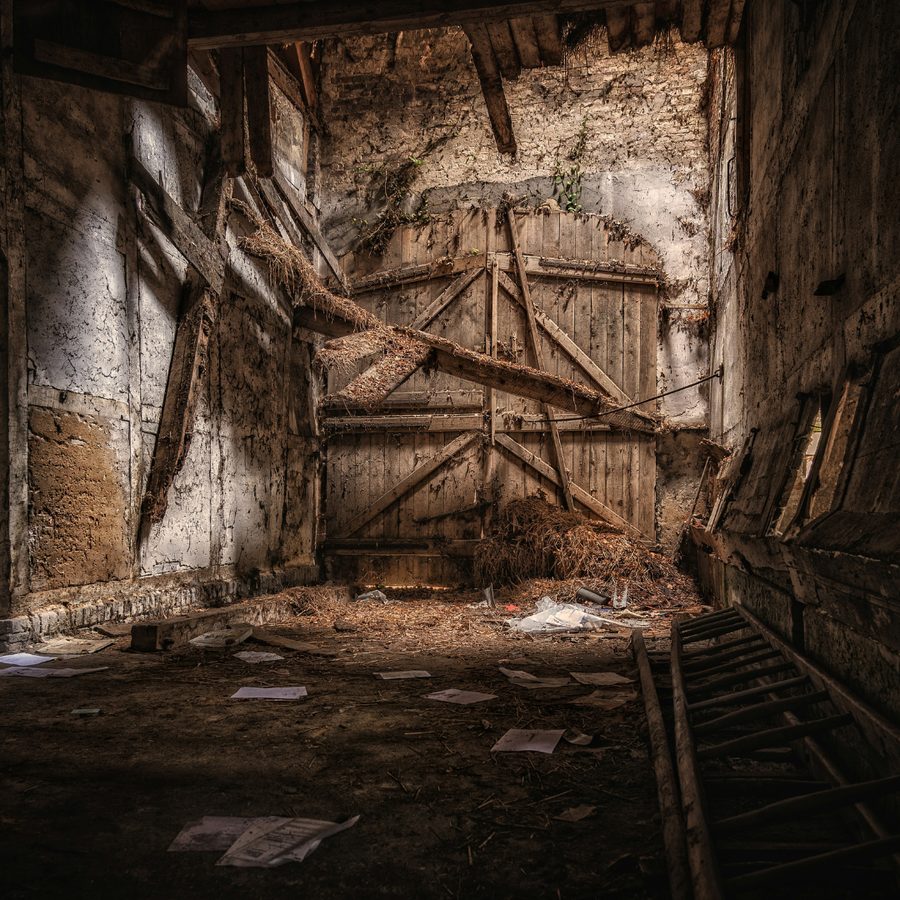
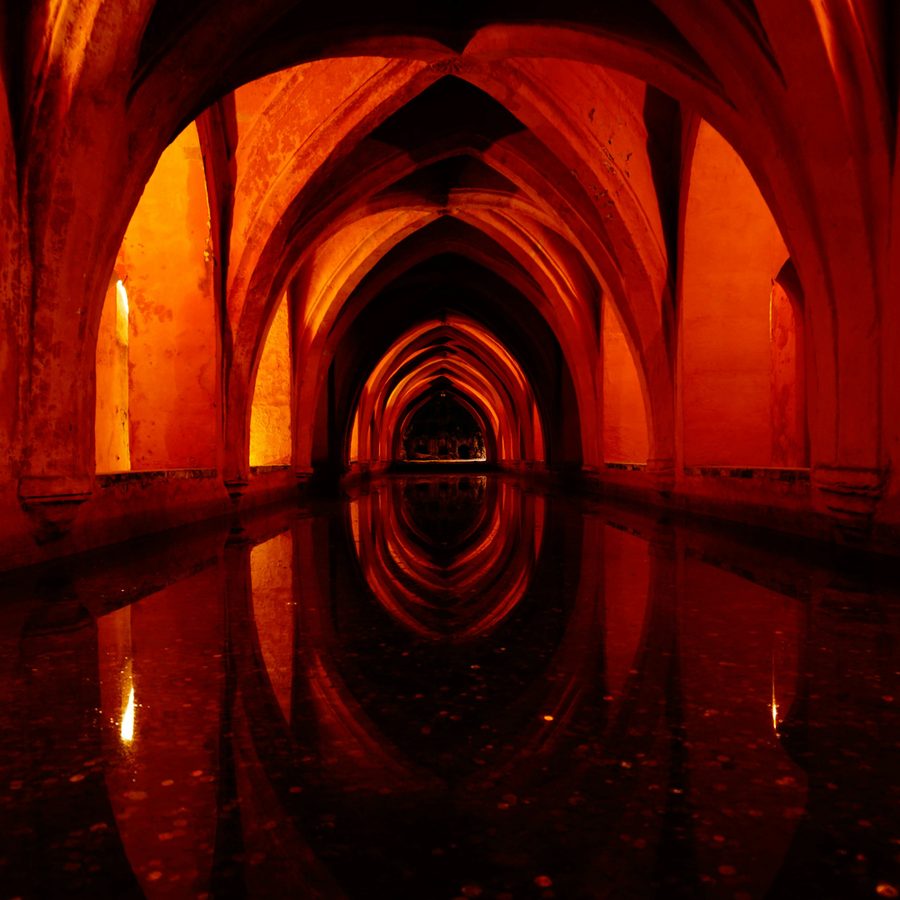
Spell impacts, environmental weather, and cinematic lighting, layered on your feed in real time.
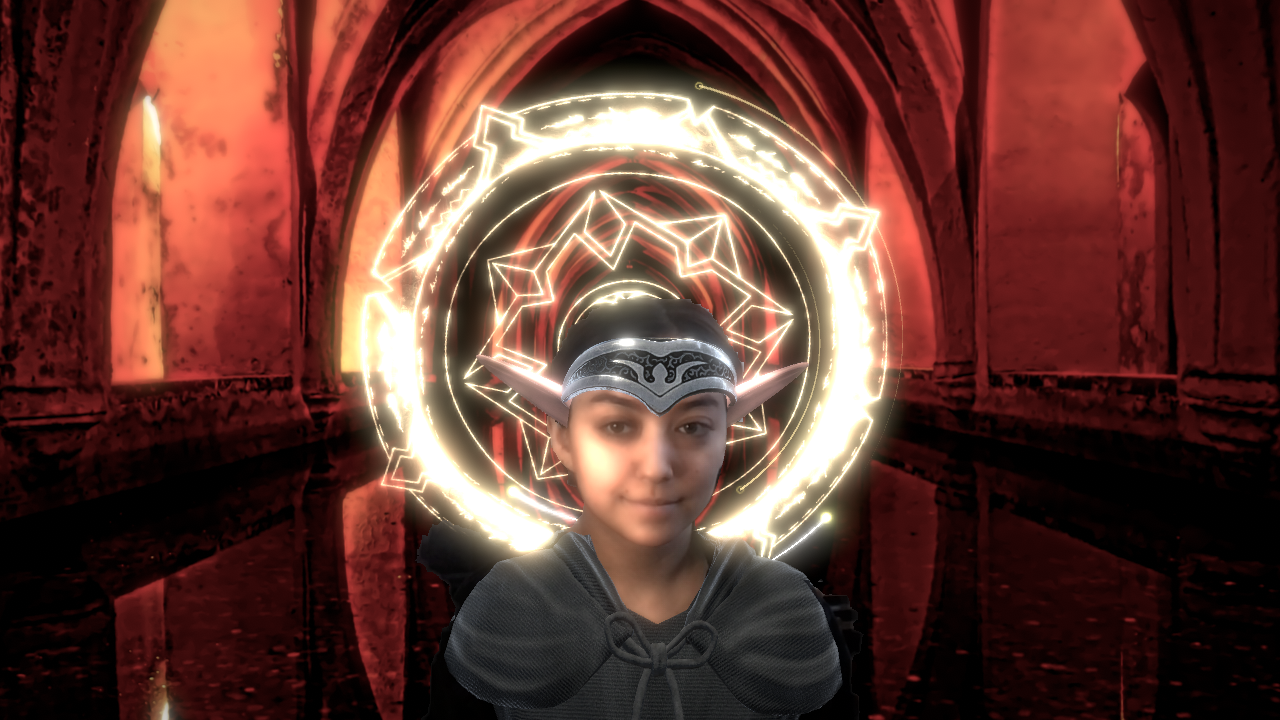
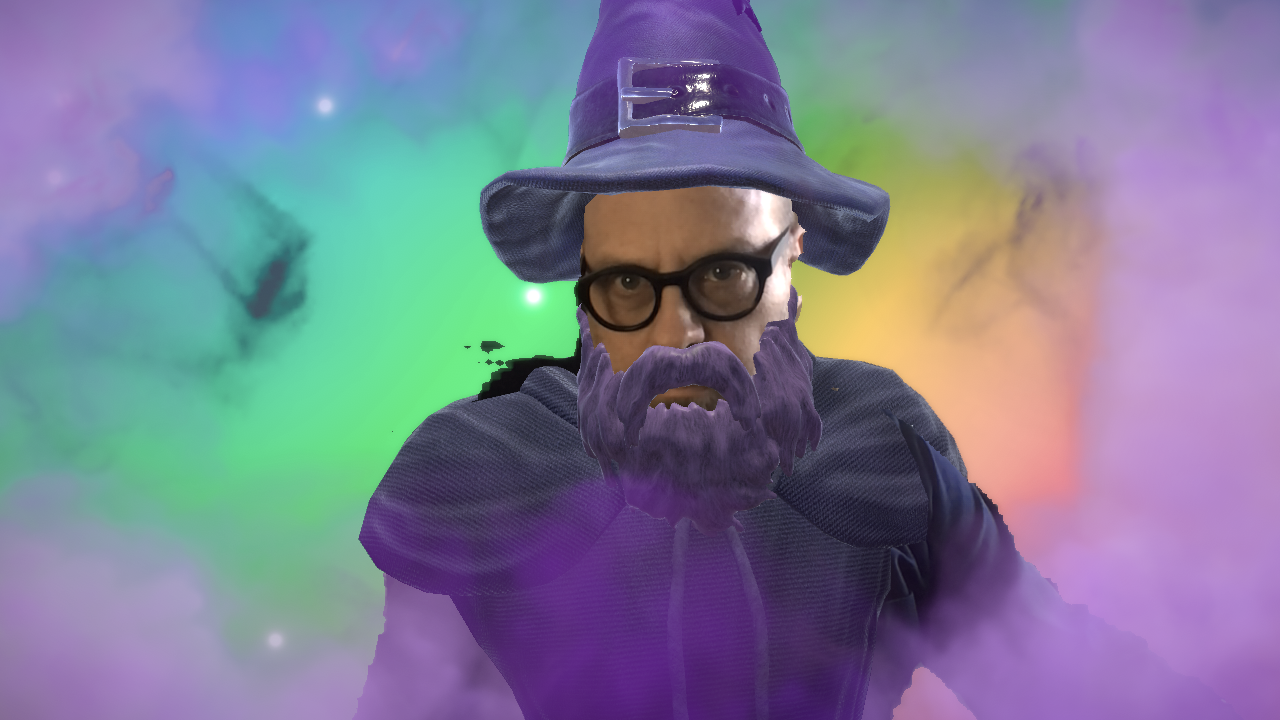
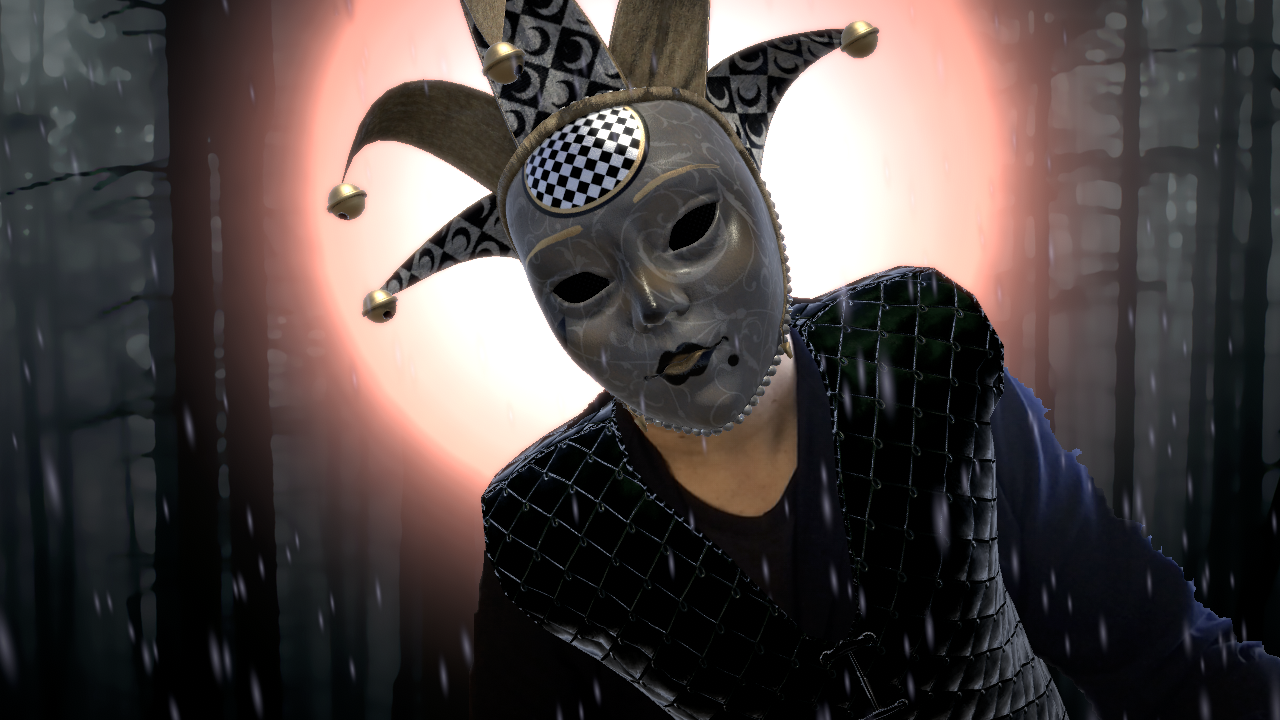
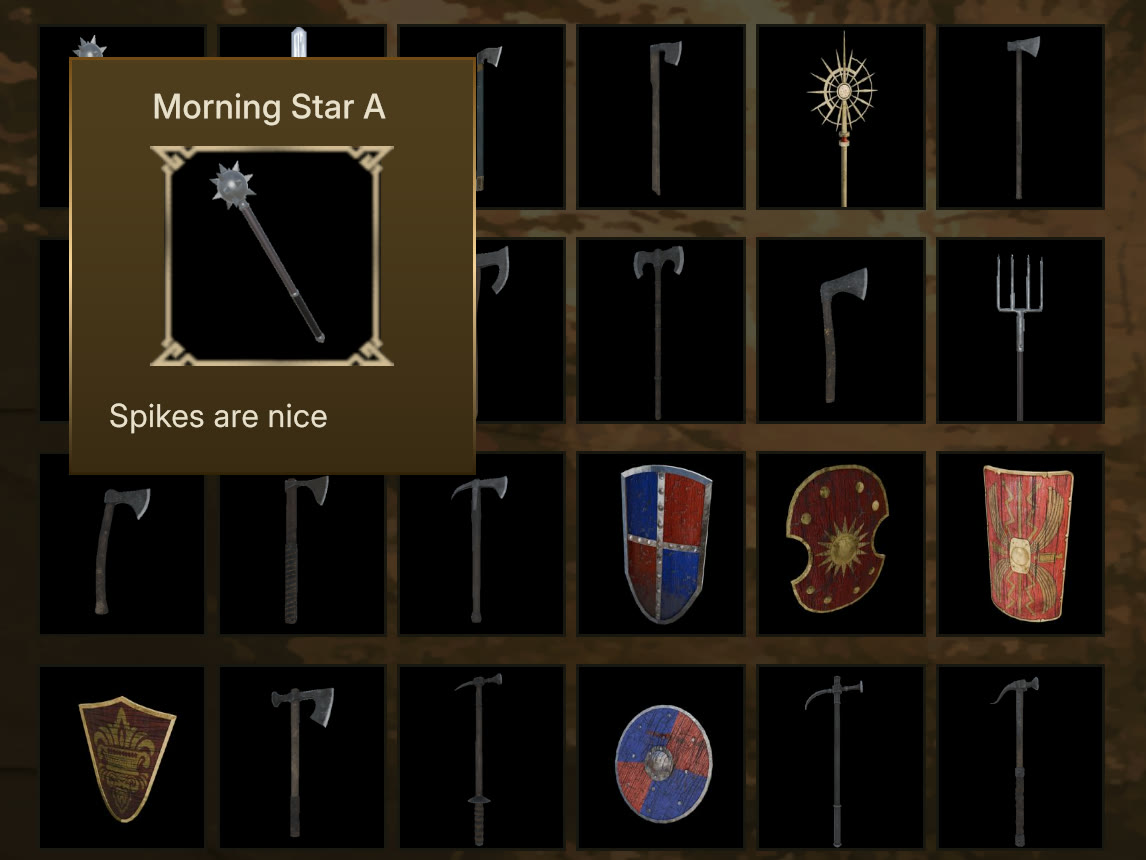
Choose from hundreds of outfits, armor, masks, effects, and backgrounds.
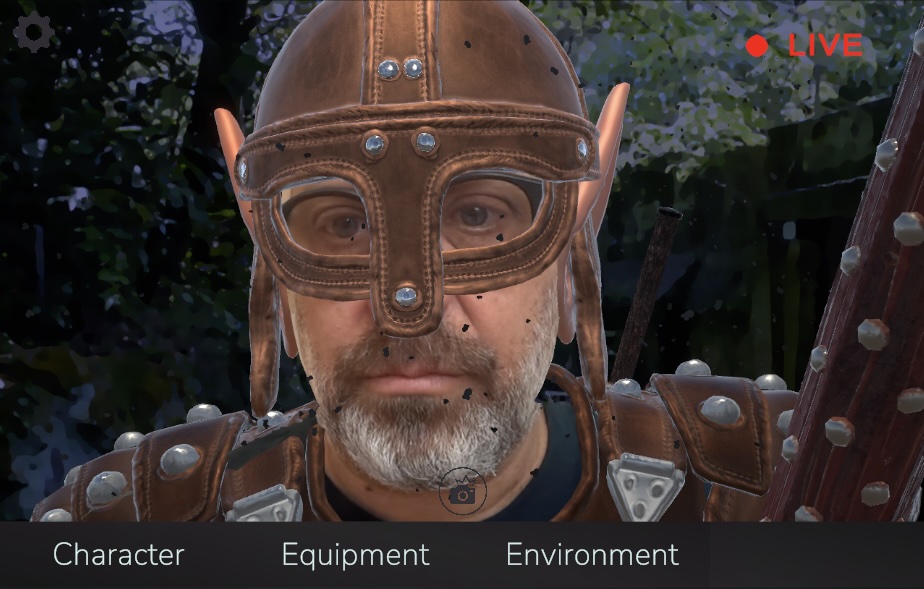
Lock in your look as a preset. Load it at the start of any session. No re-setup required.
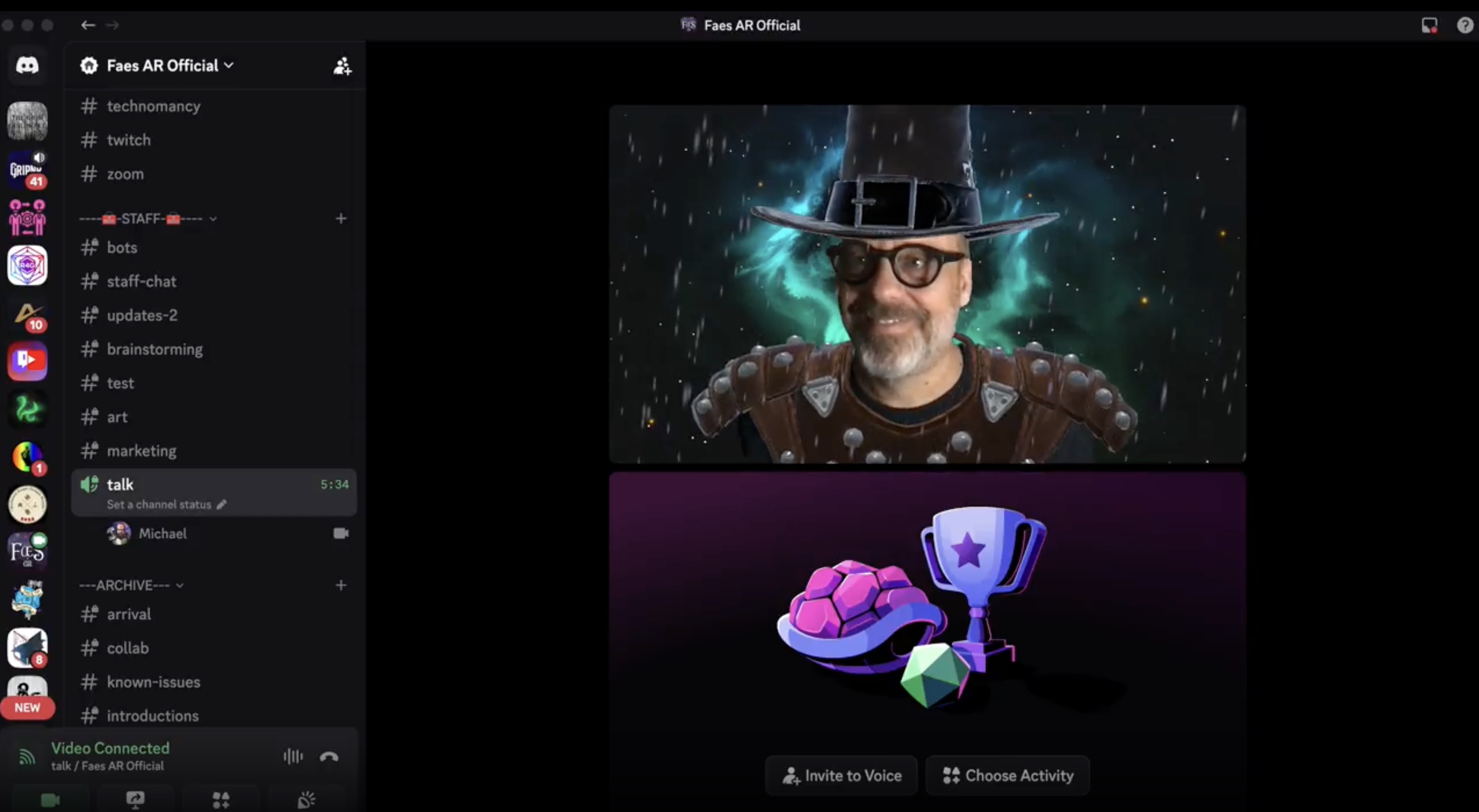
Output through the virtual camera into Discord, OBS, Zoom, or any platform that accepts webcam input.
A VTuber avatar replaces the performer with a fully animated character. The human disappears from the frame. Faes AR keeps the performer's face, expressions, and voice visible, and layers character elements over them.
AI face filters and generative tools regenerate identity frame by frame. Output drifts. Details shift between frames. Faes AR assets are authored once, by hand, and held across the session. What you set is what stays.
Faes AR outputs through a virtual camera, which means any app that accepts a webcam feed accepts Faes AR. No plugins, no configuration on the platform side.
I preload scenes with characters and have multiple sets ready to switch to. It keeps up with my movement and really adds to the immersion… It [has] now become a regular part of our sessions.
There is a bit of satisfaction showing up for game night in costume and then switching costumes when roleplaying NPCs! Talk about taking your game to the next level!!
I will boot up FaesAR and Load my GM Costume and will have a set of characters for the night's cast, I then will create costumes for each of the NPCs I know I will want to have costumes for. I preload scenes with characters and have multiple sets ready to switch to. It keeps up with my movement and really adds to the immersion. My group wanted to use cameras so they could react to the facial expressions that cameras provide, but to be able to react not only in character but IN costume as well has really stepped up my GM presentation. The first session I showed up in costume, my group was just floored with the software, it was all we talked about for 10 mins. It [has] now become a regular part of our sessions. AND that was the [ALPHA], it has only gotten better. [It] is smooth, and I may not nail the voices, but I can do it in costume at least. I just need to remember to turn off FaesAR before my [doctor's] appointments. Man I jump[-]scared him… {smh}
I use Faes AR in my D&D 5e games online on AboveVTT through Zoom. For me, D&D is about getting together, having some laughs, and making memories. Faes AR adds a little extra joy to that.
My name is Brett and I'm a Dungeon Master who goes by BayouB. I use Faes AR in my D&D 5e games online on AboveVTT through Zoom. For me, D&D is about getting together, having some laughs, and making memories. Faes AR adds a little extra joy to that. I strive to be creative in my sessions and have fun with my players, and it's become another way for me to accomplish that. Those moments when we're all laughing and enjoying the game together are what keep me coming back [to] the table as the DM.
I've been using Faes AR since early access to become my elderly wizard every week and bring recurring NPCs to life as a GM. Absolutely love it!
I've been using Faes AR since the early access days, and I absolutely love what it brings to my D&D games! As a player, I use it every single week to take on the likeness of my elderly wizard, and it's become something I genuinely look forward to using each session. As a GM, I've also created costumes for a number of the main recurring NPCs in my monthly campaign, which is a fantastic way to give those characters a bit more personality and bring them to life for the players.
It's such a cool bit of tech, and I love how much it adds to the roleplaying experience. I haven't even had the chance to explore the new Beta features yet, particularly the ability to upload my own props […] or have many NPCs made and ready to equip by campaign/encounter/location, which opens up some really exciting quick change possibilities!
It's been awesome watching Faes AR develop since those early days, and I'm genuinely excited to see what the team comes up with next. There's so much potential here, and I can't wait to see where it goes!
I use Faes AR everyday as a pro GM.
Streamed my first game this evening using your program. Worked flawlessly and was so much fun.
You can't beat this app unless you have a stage production's worth of costumes and the backstage dressing crew that goes with it.
Faes AR is the best kind of tool for online GMs - significant benefits for minimal efforts. Setup is going through the various features - hats, masks, clothing, facial hair, makeup, equipment - then saving those choices as a character. Each of the pieces can also be customized by color, size, and positioning. During sessions, with a couple of clicks, I can switch between these different characters. In a moment, I go from looking like myself to having a full beard, plate armor, a dwarven helmet, and a warhammer sticking up from behind my back. Then another click and instead I have a powdered wig, lipstick, and eyeshadow. You can't beat this app unless you have a stage production's worth of costumes and the backstage dressing crew that goes with it.
Faes AR is the desktop tool for GMs and performers running live sessions. Faes AR Free and Faes AR Publisher will extend the ecosystem around it. Neither replaces Faes AR.
“The first session I showed up in costume, my group was just floored… it was all we talked about for 10 mins.”Anchor89 · Pro GM
Build your cast once. Bring them back every session. Faes AR is $49.99, one time: hundreds of hand-crafted assets, campaign and NPC presets, your own 2D uploads, and future updates included.